Line automation
Automating an Existing Line Without Starting From Scratch
Most factories do not have the space or the budget to replace a working line, yet they still want to remove manual handling, improve consistency and keep up with demand. The good news is that automation can be added one station at a time. Upgrading an existing line is often the most practical way to start.
Find the station that holds the line back
Start with a process study of the line as it runs today. Look for the station that sets the pace, the steps where quality varies between operators, and the tasks that are heavy, repetitive or awkward. These are usually the best candidates for the first automated station.
Match the step to an automation option
| Manual step today | Automation option |
|---|---|
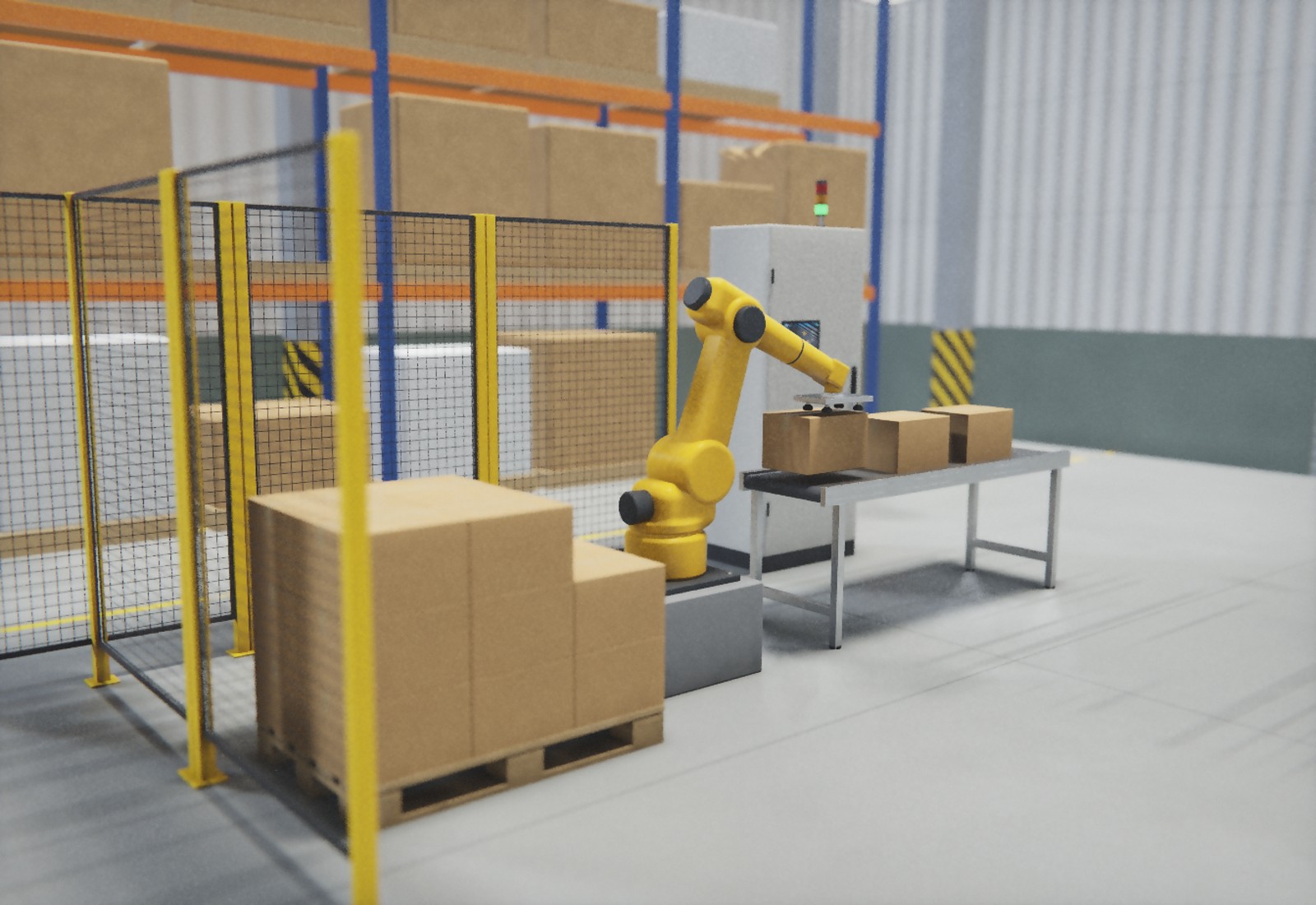
| Moving parts between machines | Robot cell for pick & place or machine tending |
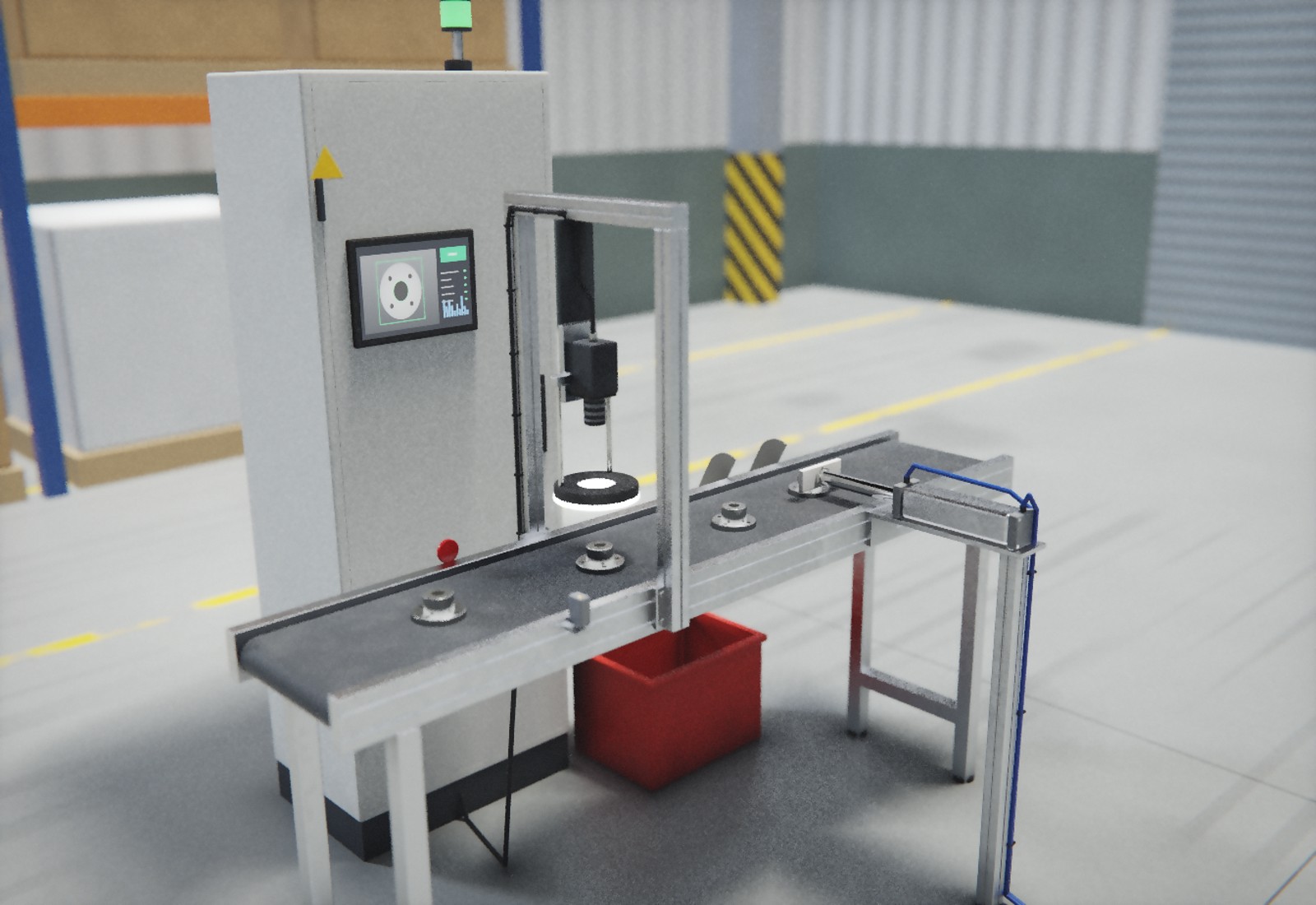
| Visual checks by an operator | Vision inspection with a pass/fail signal |
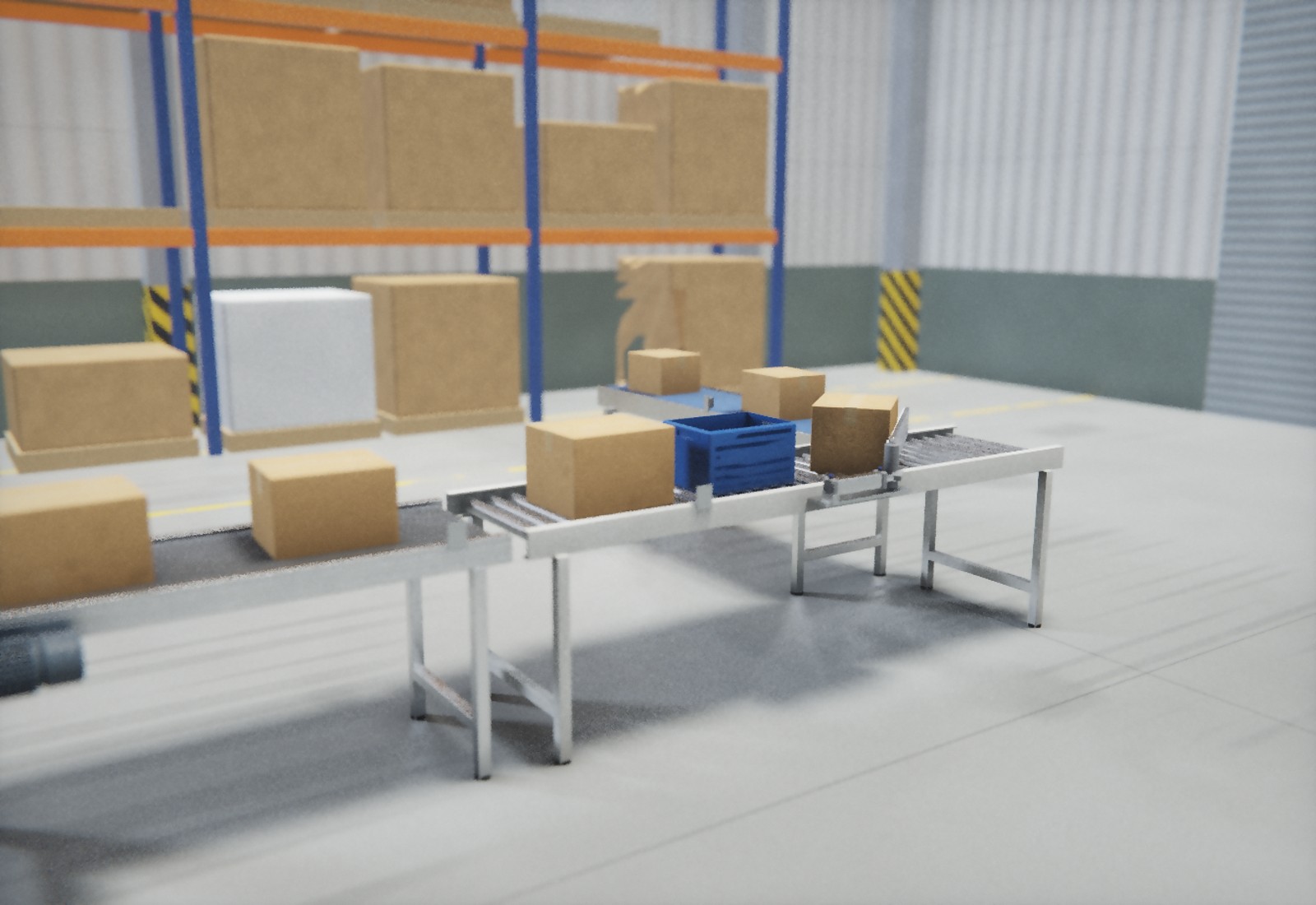
| Carrying parts between stations | Conveyors with transfers and sensors |
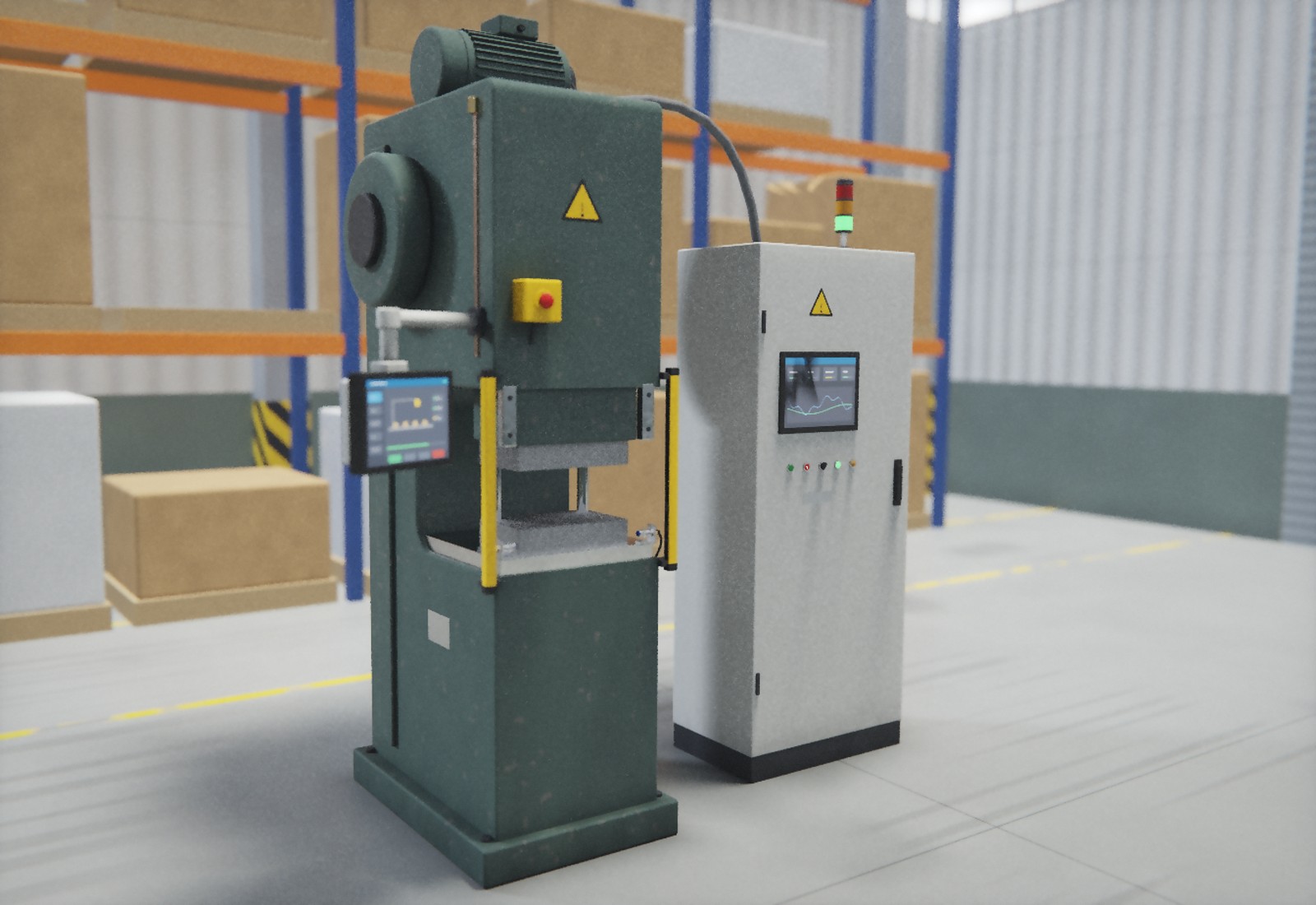
| Pressing, assembly or testing by hand | Special purpose machine for that process |
| Stacking cartons at the end of the line | Robot palletising |
Make new and old equipment work together
A new station has to fit the line around it. Sensors tell it when a part has arrived, a PLC coordinates it with the machines before and after it, and an HMI shows operators what it is doing. Guarding, interlocks and light curtains are planned at the same time, so the upgraded area is safe from the first day.
Plan the installation around production
Much of the build and testing can be done before the new station reaches your floor. That keeps the time the line is stopped for installation and commissioning as short as possible, and the work can be planned around your production schedule.
A step-by-step path
- Process study: we start from your part, your process and your cycle-time target.
- Concept & design: a concept for a single station, a robot cell or a complete line.
- Build & commissioning: build, integration and commissioning, with PLC / HMI controls and safety built in.
- Training & support: operator training and after-sales support once the line is running.
What to share at the start
- The part, or a sample, and any drawings you have
- The process as it runs today and the output you need
- Photos or a layout of the line and the space around it
- The controls already on the line, if known
How we approach it
Our custom automation work covers new lines, line upgrades that automate manual steps on existing lines, and single stations, from concept and design through build, installation and support.

Written by