
Asset & File Tracking
Barcode-based tracking for IT assets, tools and office files, so you always know where each item is and who has it.
- 3Applications
- 3Related products
At a glance
- Tagging
- Confirmed in your quote
- Items tracked
- Confirmed in your quote
- Access
- Confirmed in your quote
- Users
- Confirmed in your quote
- Integration
- Confirmed in your quote
These figures are set for each project from your part, cycle time and line. Send your requirement and we confirm them in the quote.
About this product
Know who has which asset or file.
Laptops, tools, gauges and paper files move between people and departments every day, and spreadsheets soon fall behind. Asset and file tracking gives each item a barcode or QR label and records every issue, return and move with a quick scan.
We set up the software, print the labels and train your admin, IT or stores team, so a stock-take becomes a walk-around with a scanner instead of days of checking lists.
What’s included
- Software setup and user roles
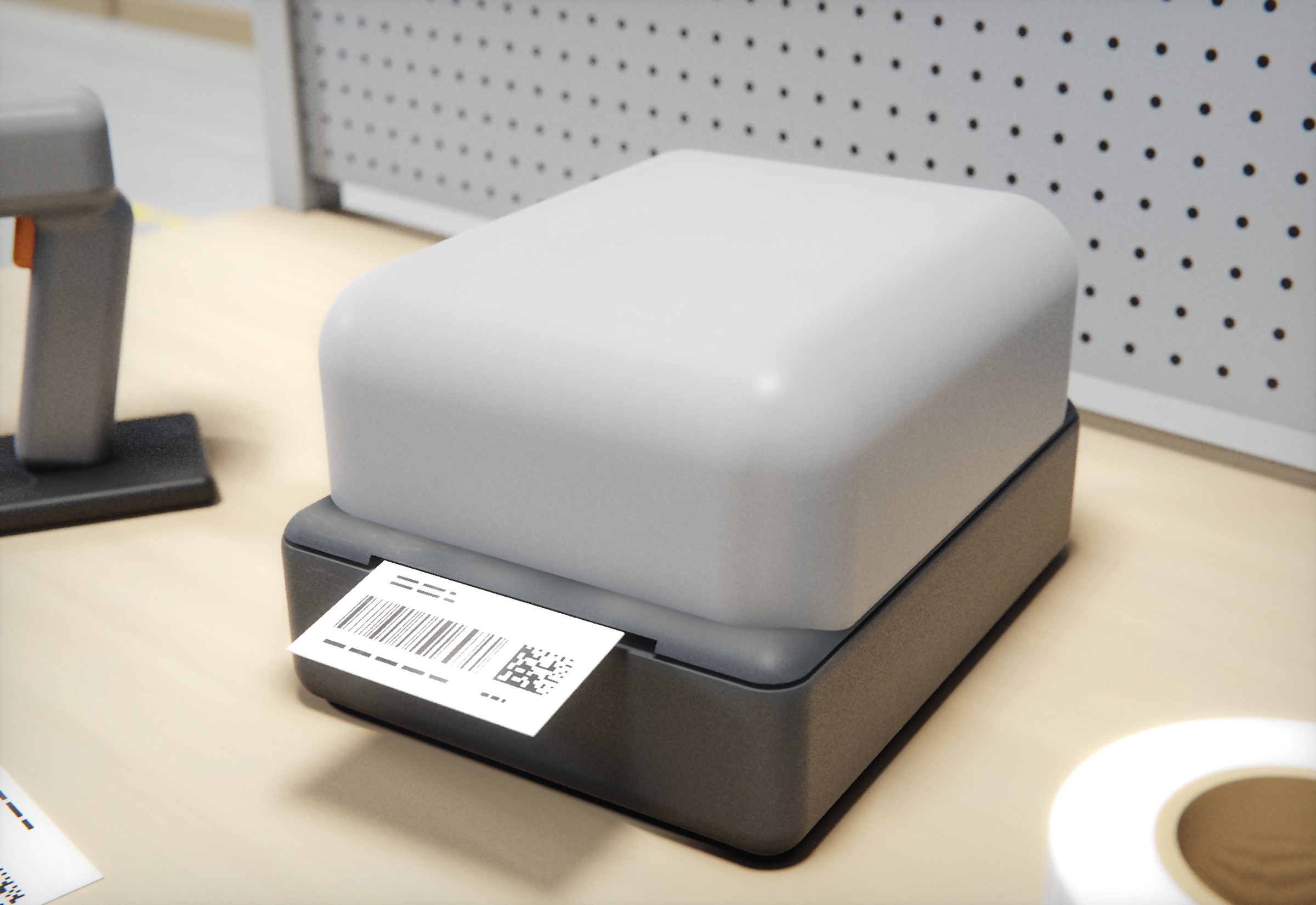
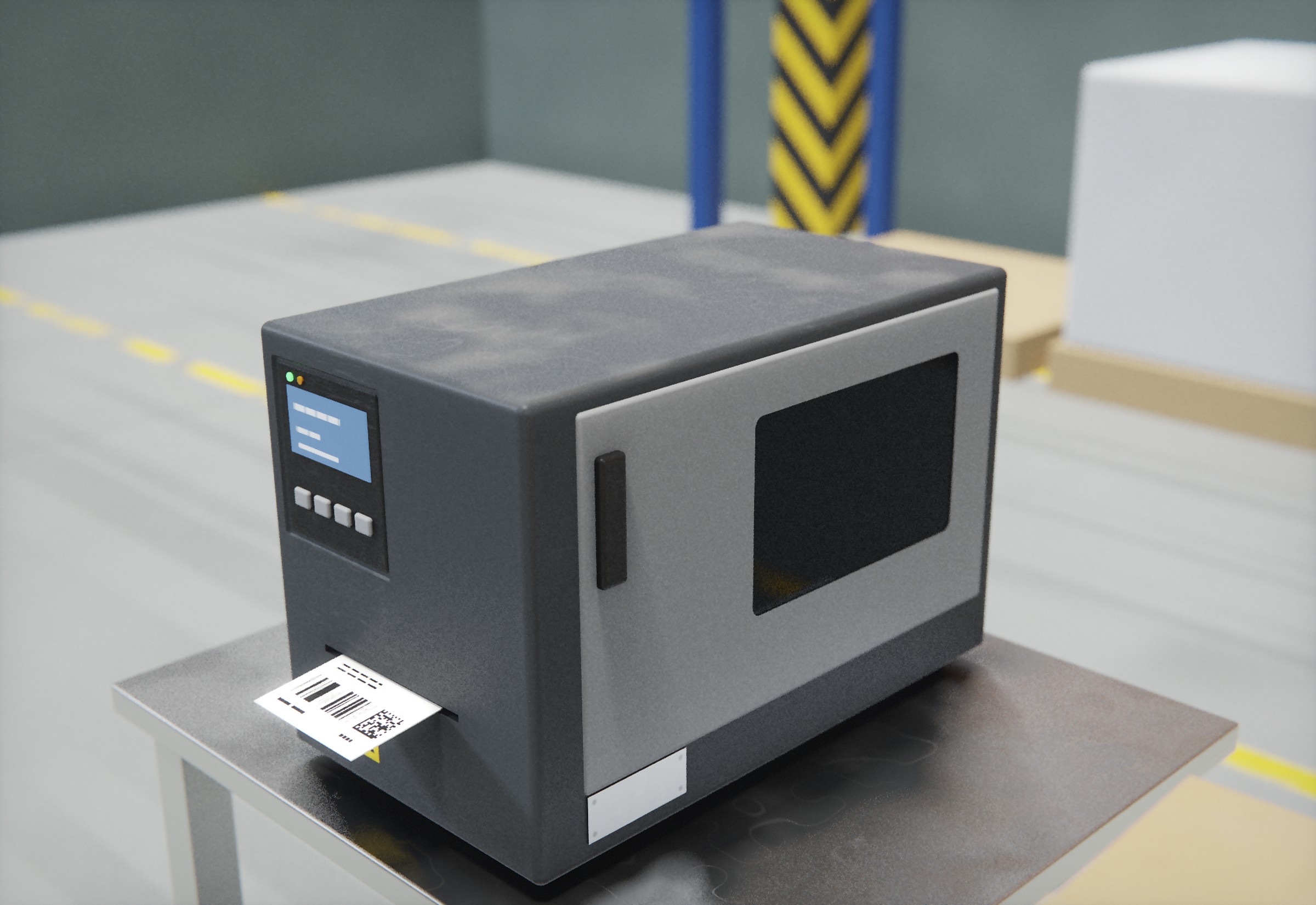
- Barcode or QR labels and a label printer
- Handheld or mobile scanning
- Reports and audit history
- Training and support
Key features
What makes it work on your line.
- 01
One register
Assets and files are listed with owner, location, status and history in one place.
- 02
Scan to issue and return
Each handover is logged with a scan, so you always know who has an item.
- 03
Service and calibration dates
Due dates for tools, gauges and equipment can be tracked with reminders.
- 04
Audit trail
Every change is recorded with user and time, which helps with audits and controlled-document rules.
How we deliver it
From first study to a running line.
- 01
List the items
We agree which assets and files to track and what to record for each.
- 02
Set up & label
The software is configured and labels are printed for every item.
- 03
Train users
Admin, IT or stores staff learn to issue, return and audit by scan.
- 04
Support
We support the system and help add new item types later.
Plan your next line with us.
FAQ
Questions about this product
Yes. Each item type has its own fields, and all are tracked in one system with the same labels and scanners.
Blog
Guides from our engineers.
Practical reading on robot cells, vision inspection, conveyors, machine safety and automating the lines you already run.
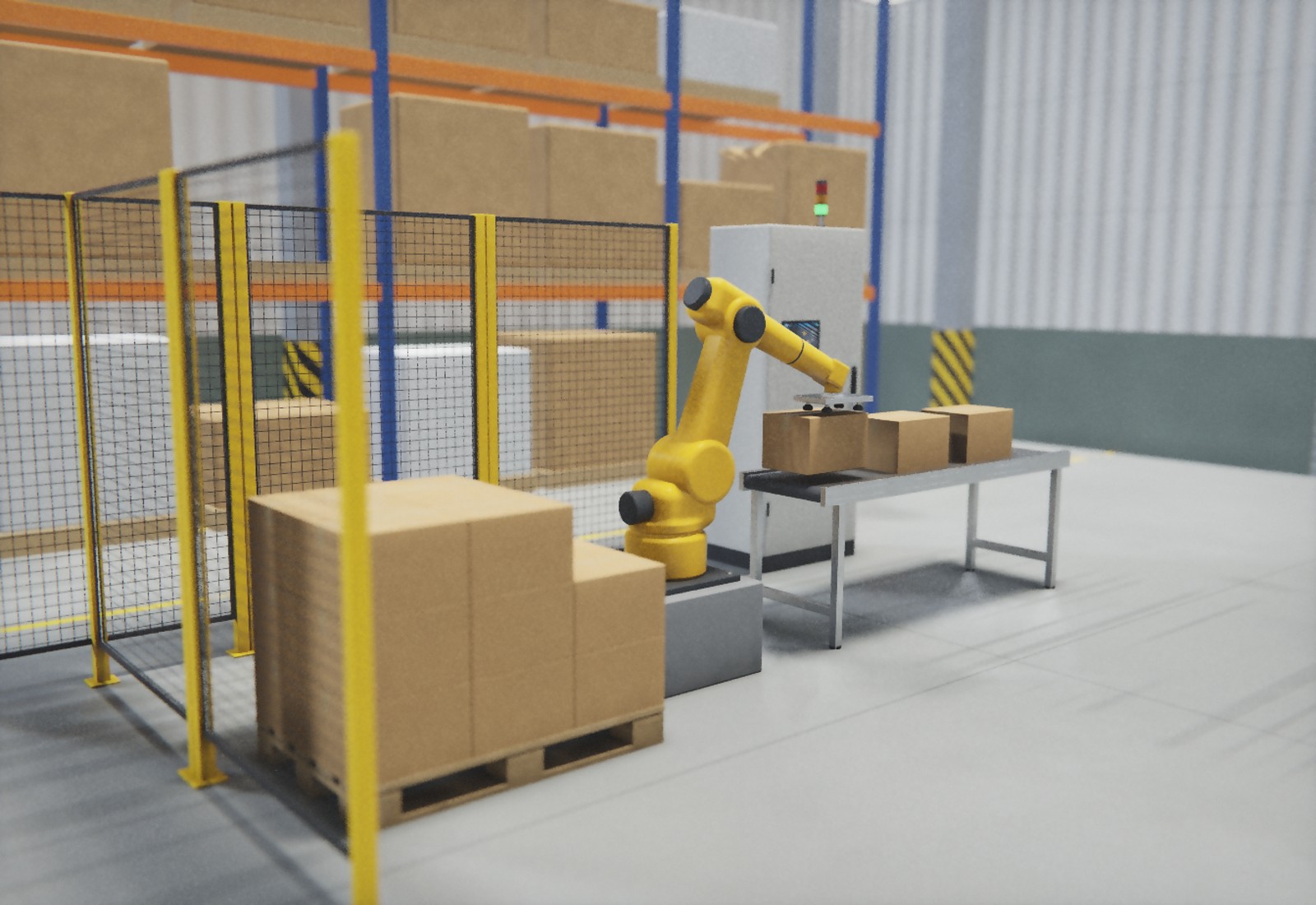 Robotics & machines
Robot Cell or Special Purpose Machine: Which Fits Your Production Line?
Both take repetitive work off your operators, but they solve different problems. Here is how to choose between a robot cell and a machine built for one job. Intellizen Engineering TeamRead more
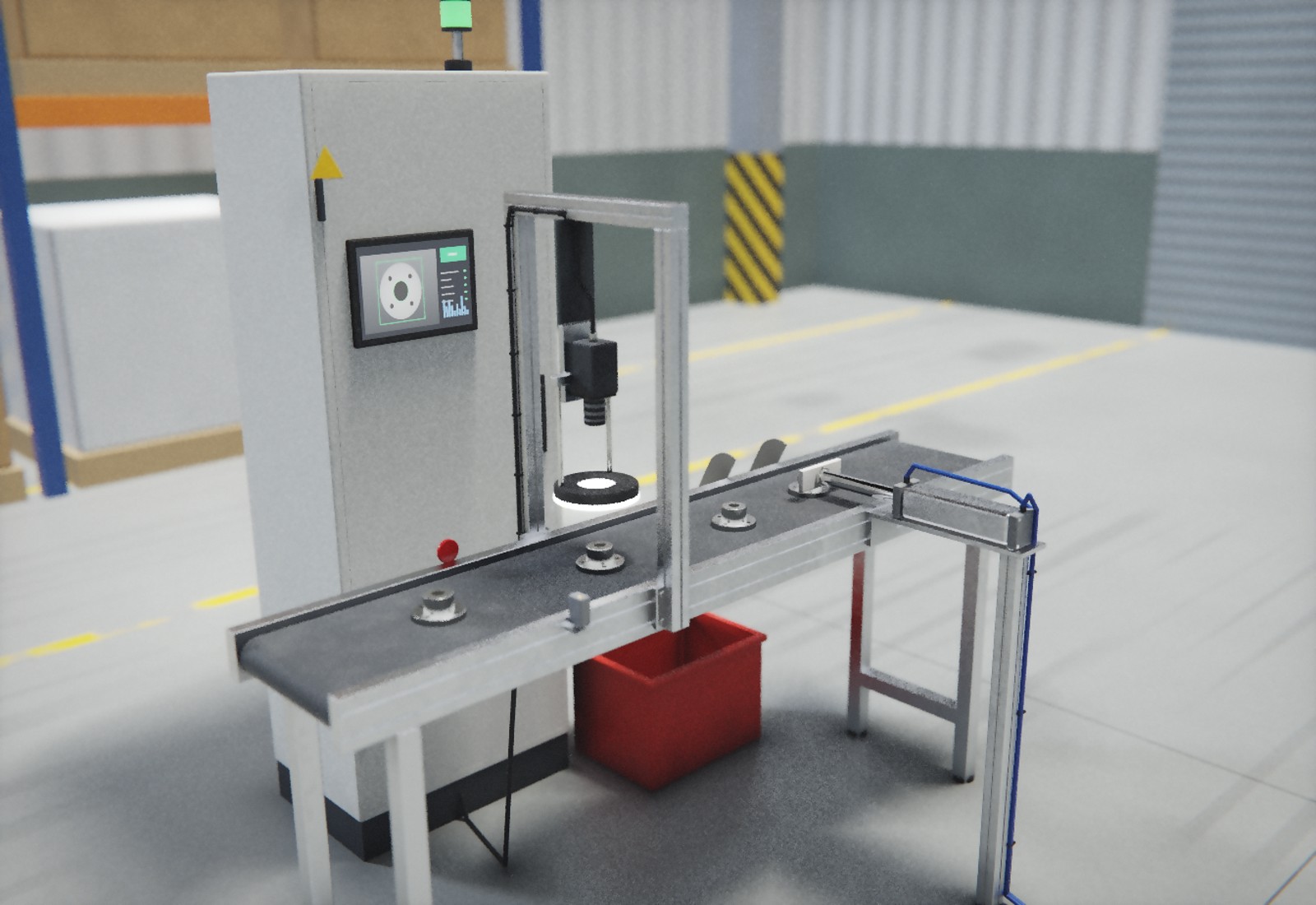 Vision & sensing
Vision Inspection on the Production Line: What a Camera Can Check
From presence checks to reading codes, a vision system checks every part and sends a pass/fail signal to your PLC. Here is what it can do and how to plan one.Intellizen Engineering TeamRead more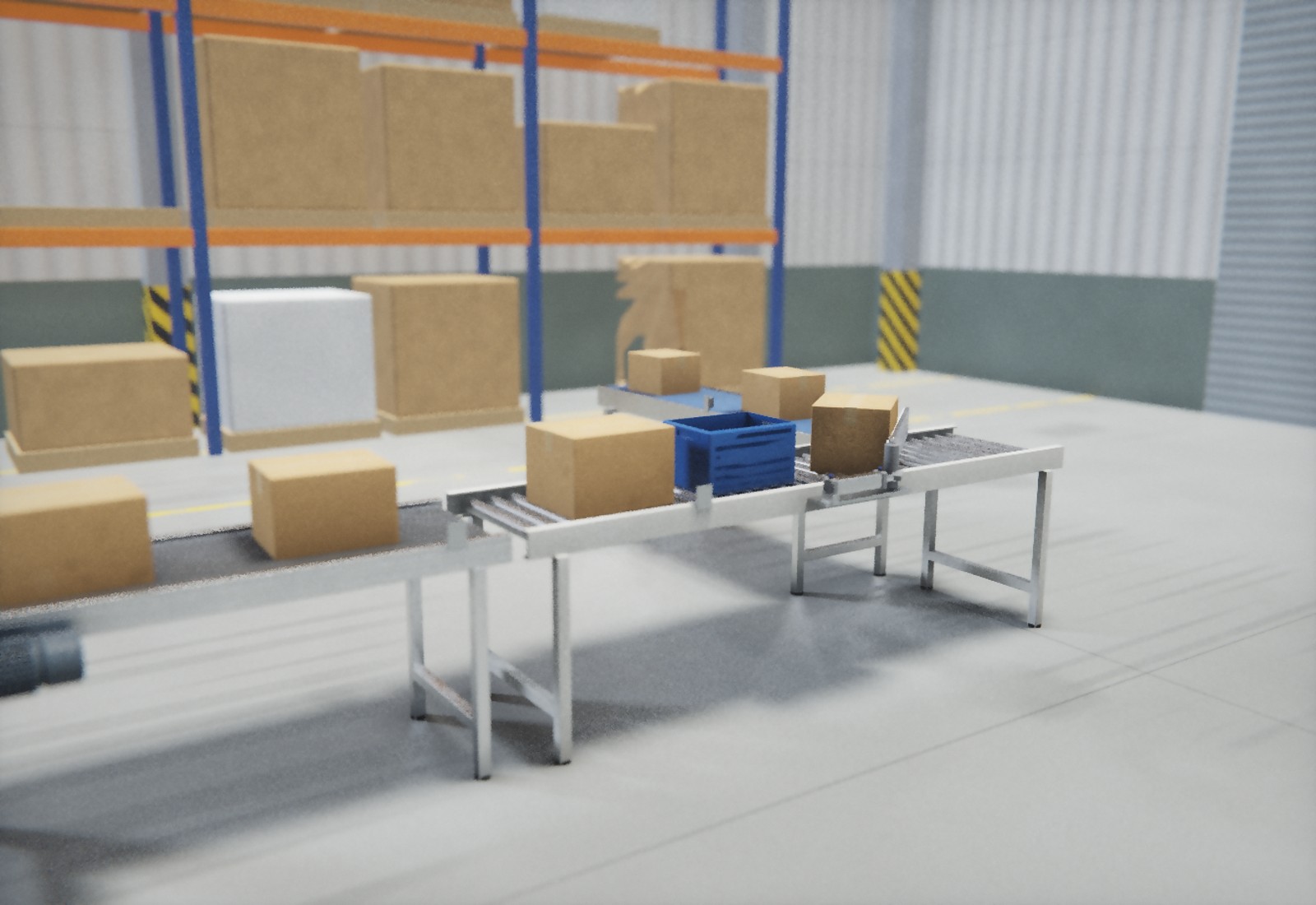 Material handling
Belt, Roller or Modular Conveyor: Choosing the Right One for Your Line
Conveyors link every station on a line. The right type depends on what you move, how it needs to queue and how it transfers between stations.Intellizen Engineering TeamRead more