
PLC & HMI Systems
PLC programming and HMI screens that run your machines, show their status and make faults quick to find.
- 3Applications
- 3Related products
At a glance
- PLC make
- Confirmed in your quote
- HMI size
- Confirmed in your quote
- Networks
- Confirmed in your quote
These figures are set for each project from your part, cycle time and line. Send your requirement and we confirm them in the quote.
About this product
Machine logic and operator screens.
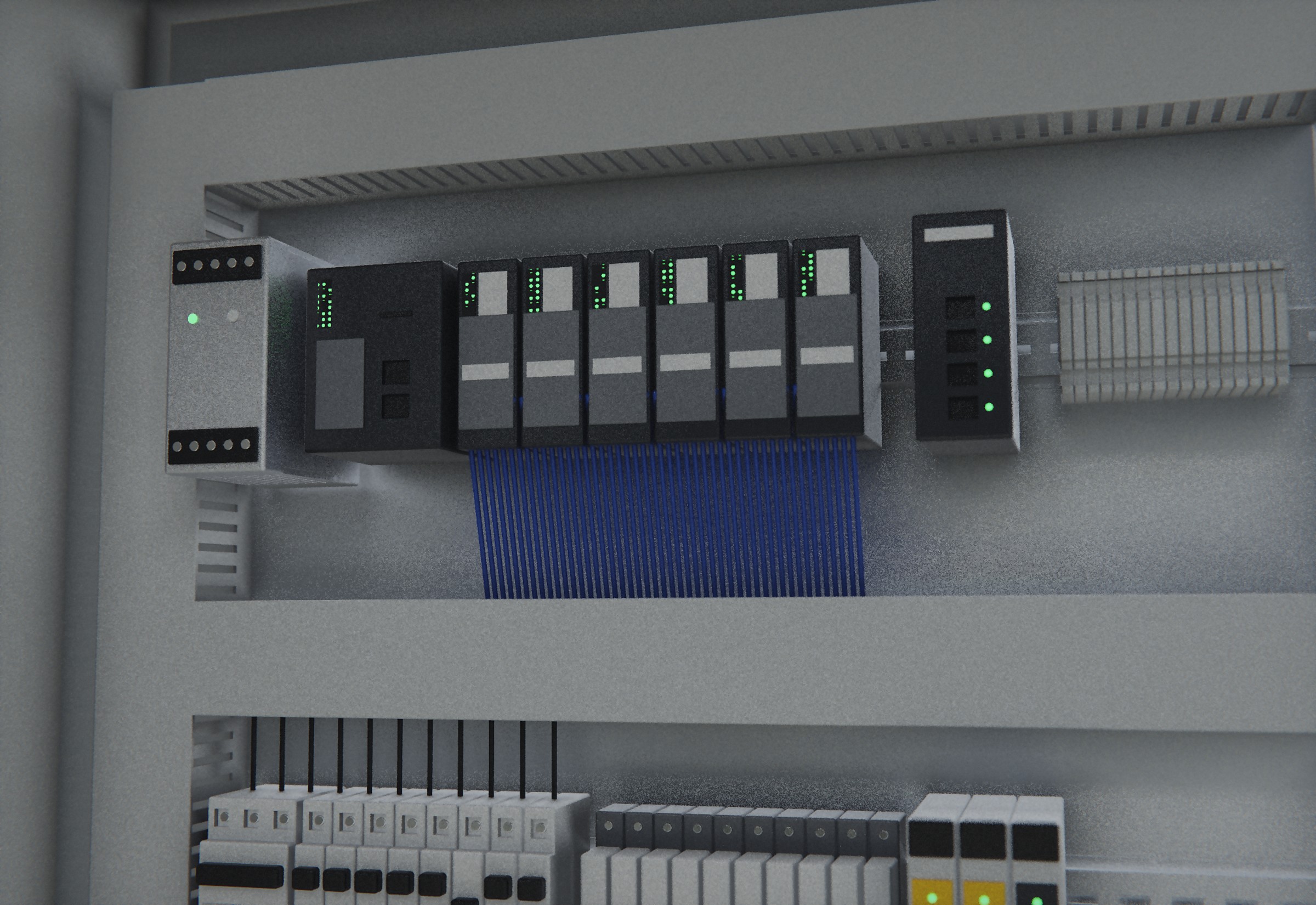
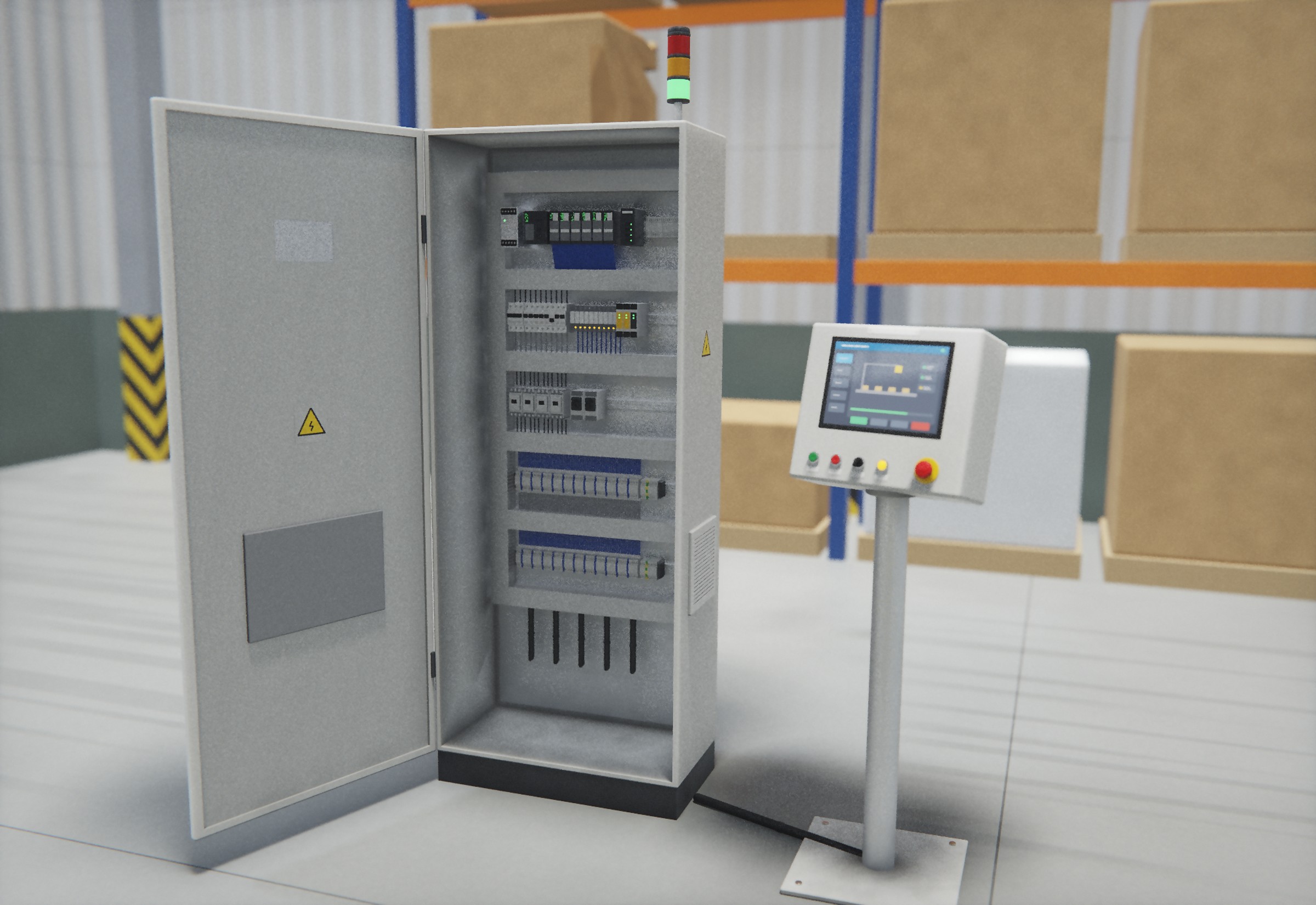
A programmable logic controller (PLC) is the brain of an automated machine. It reads sensors, push buttons and safety signals, runs the machine sequence and switches motors, valves and drives in the right order. The HMI is the touch screen operators use to start the machine, change settings and see what is happening.
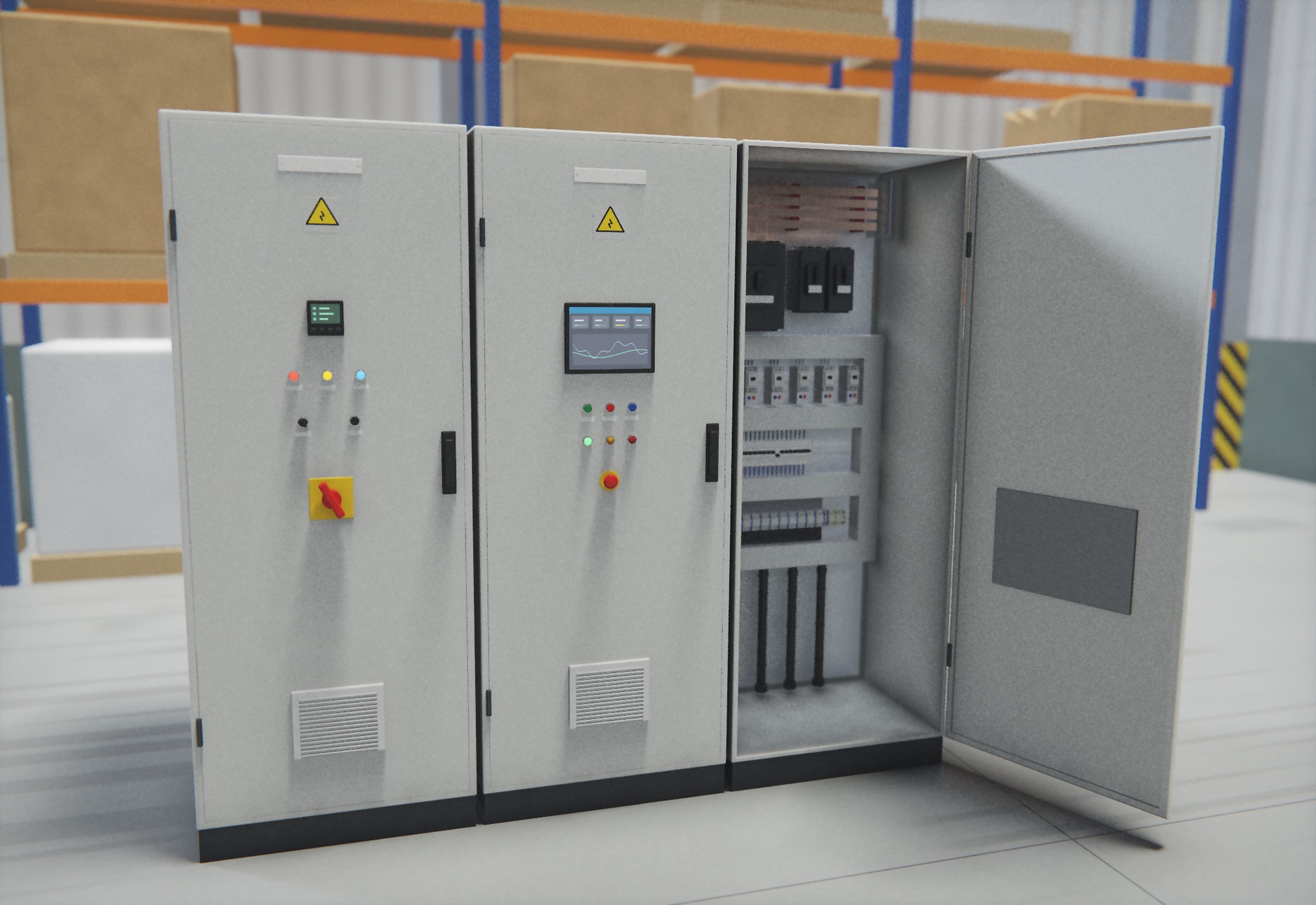
We select the PLC and HMI for the job, design the I/O, write the program and build screens that make sense to the people who use them every day: clear status, alarms in plain language and the counts and settings that matter for your product.
The same work applies to machines you already run. Older PLCs that are hard to support can be moved to current hardware, and machines without a screen can be given an HMI that shows faults instead of leaving operators to guess.
What’s included
- PLC and I/O selection
- I/O list and control sequence
- PLC programming
- HMI screen design
- Alarms, recipes and production counters
- Commissioning, program backups and training
Key features
What makes it work on your line.
- 01
Clear machine sequence
Steps, interlocks and timings are written so the machine does the same thing every cycle and stops safely when something is wrong.
- 02
Alarms in plain language
Each fault names the device and the cause, so operators and maintenance staff know where to look first.
- 03
Recipes for each product
Settings for each part or product are stored and recalled from the HMI, so changeovers are quicker and repeatable.
- 04
Counts and production data
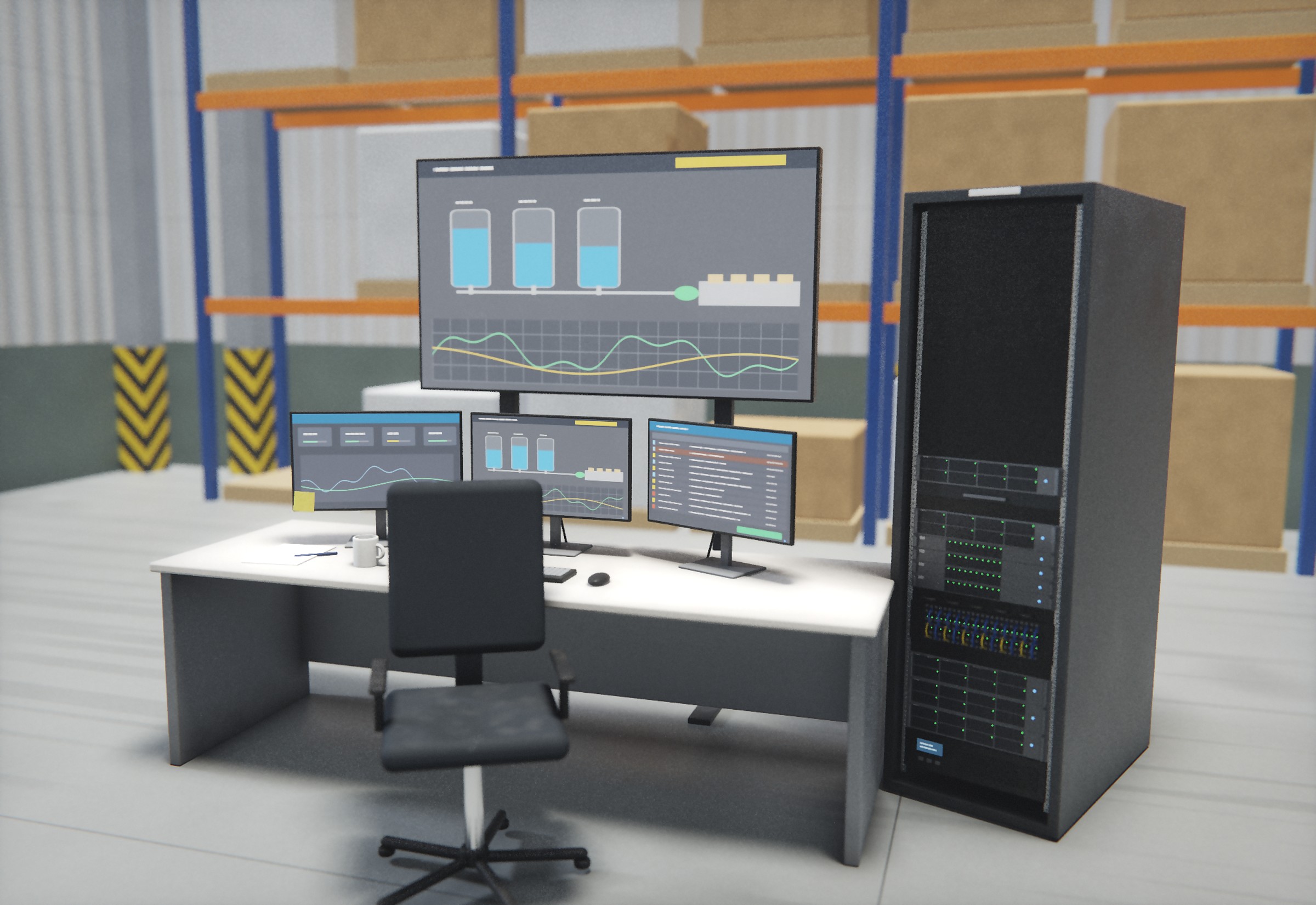
Good parts, rejects, cycle times and stops are counted on the machine and can be passed to SCADA or reports.
- 05
Connected to your line
The PLC exchanges signals with robots, vision systems, drives and other machines over industrial networks or hard-wired I/O.
- 06
Documented and supportable
You receive the program, I/O list and electrical drawings, so the machine can be maintained and changed later.
How we deliver it
From first study to a running line.
- 01
Define the sequence
We list every input, output and step of the machine with your team, including manual modes and fault recovery.
- 02
Select hardware
PLC, I/O, HMI and network are chosen for the machine, its signals and the brands your plant already uses.
- 03
Program & test
The program and screens are written and tested against the sequence before they go to site.
- 04
Commission & train
We commission on the machine, fine-tune timings and train operators and maintenance staff.
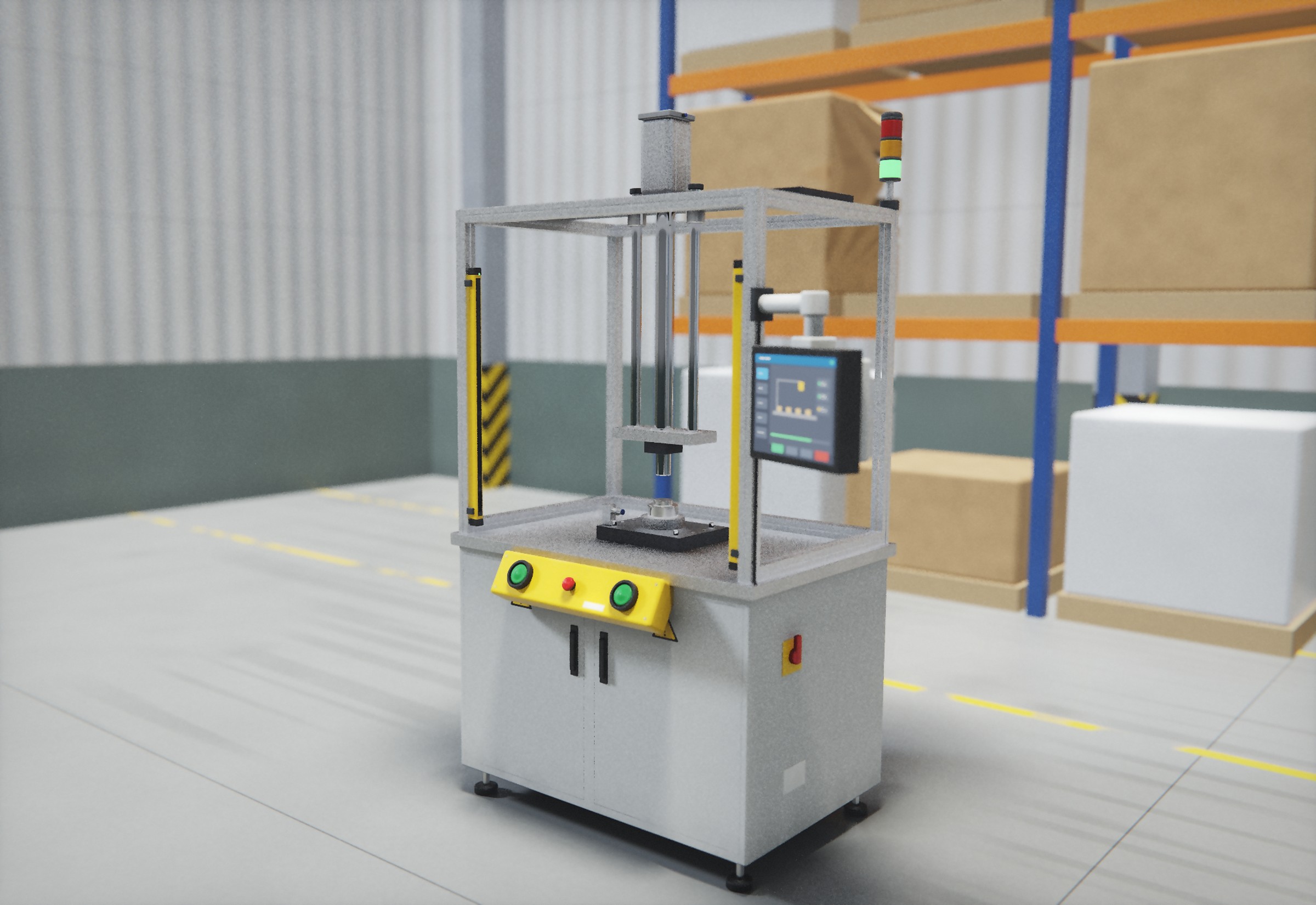
Plan your next line with us.
FAQ
Questions about this product
Where possible we use the brand your plant already standardises on, so your team works with one set of tools and spares. Tell us your preference when you ask for a quote.
Blog
Guides from our engineers.
Practical reading on robot cells, vision inspection, conveyors, machine safety and automating the lines you already run.
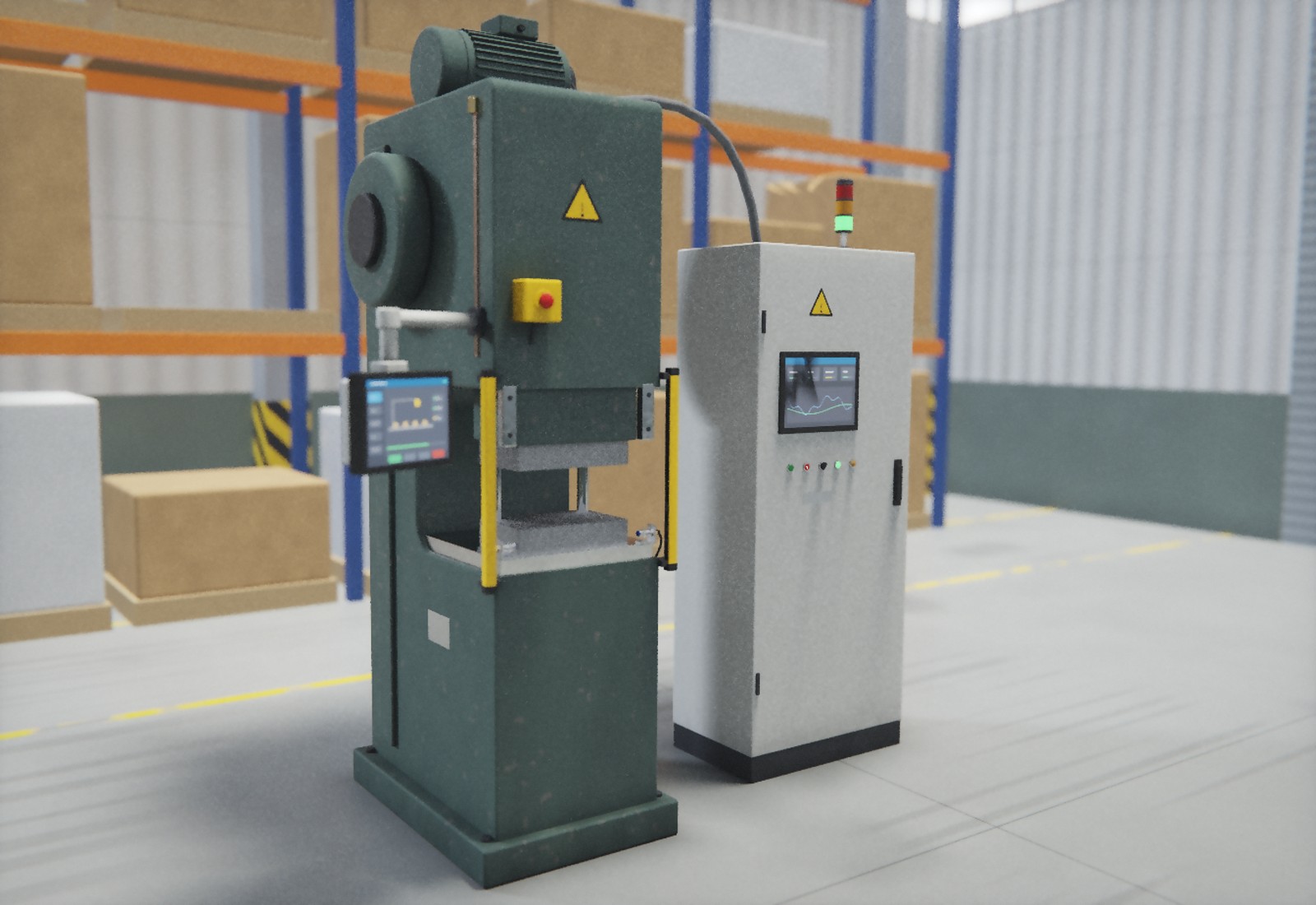 Line automation
Automating an Existing Line Without Starting From Scratch
You do not need a new factory to automate. Here is a step-by-step way to automate the manual steps on a line you already run. Intellizen Engineering TeamRead more
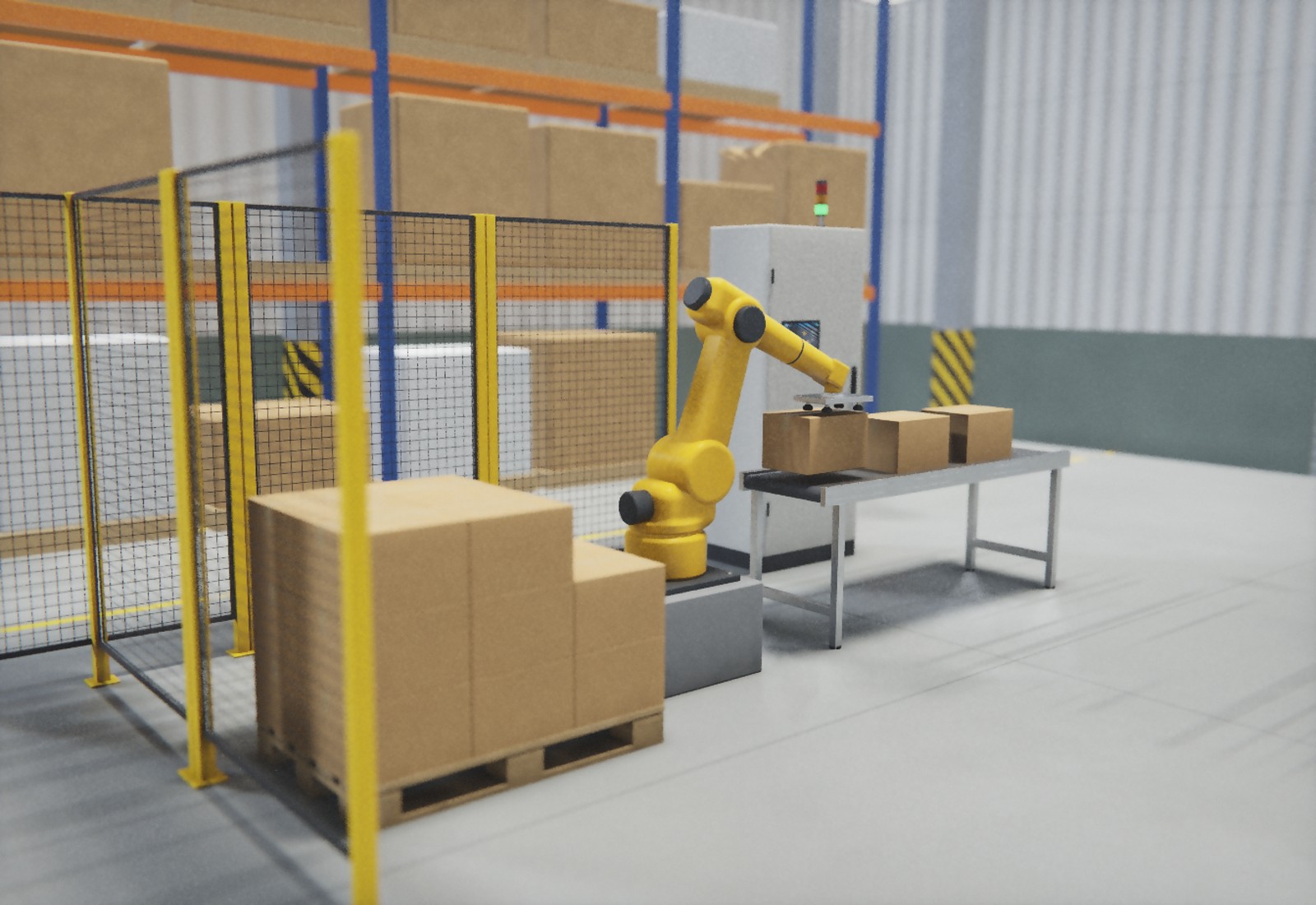 Robotics & machines
Robot Cell or Special Purpose Machine: Which Fits Your Production Line?
Both take repetitive work off your operators, but they solve different problems. Here is how to choose between a robot cell and a machine built for one job.Intellizen Engineering TeamRead more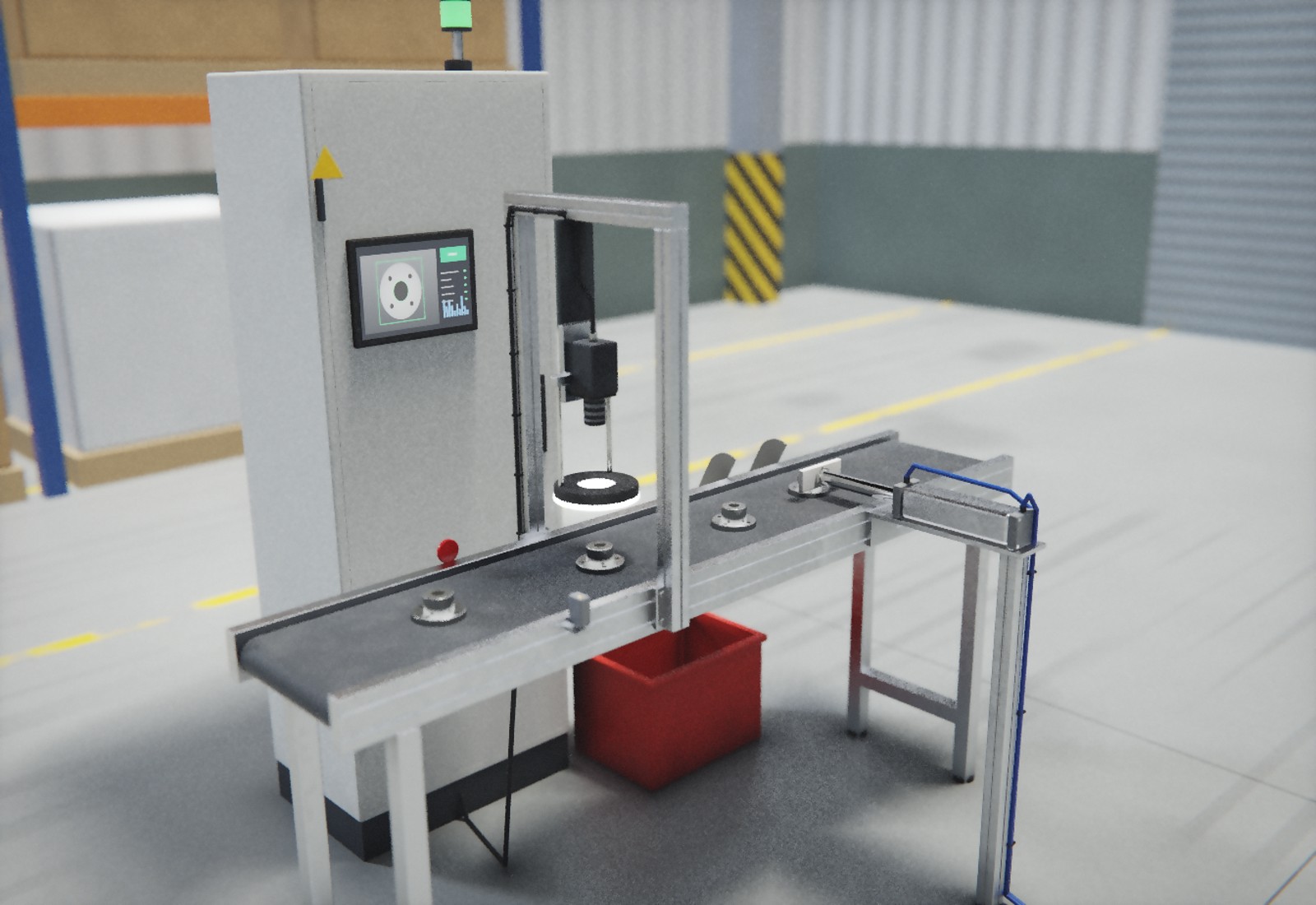 Vision & sensing
Vision Inspection on the Production Line: What a Camera Can Check
From presence checks to reading codes, a vision system checks every part and sends a pass/fail signal to your PLC. Here is what it can do and how to plan one.Intellizen Engineering TeamRead more