
Barcode & Label Printers
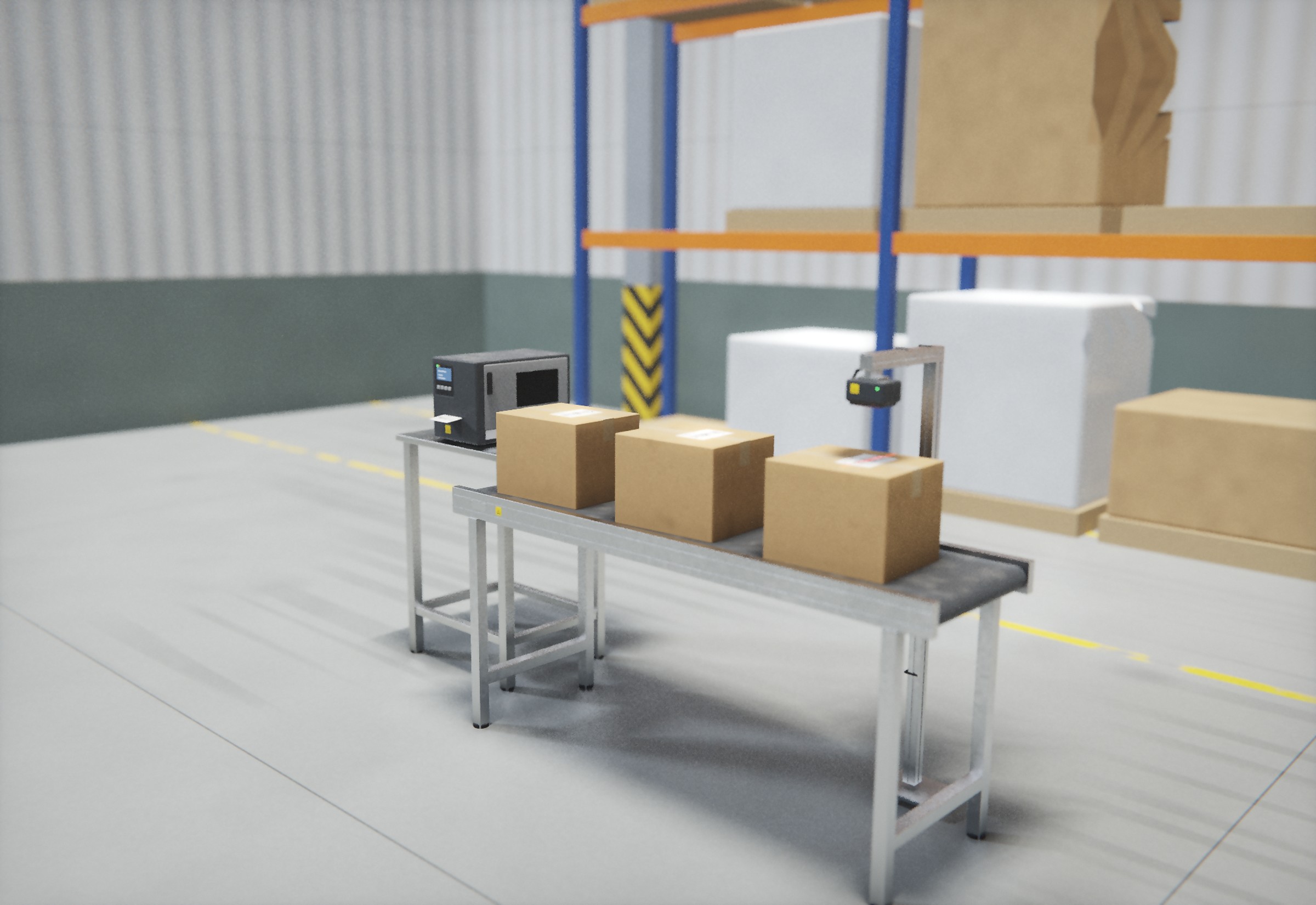
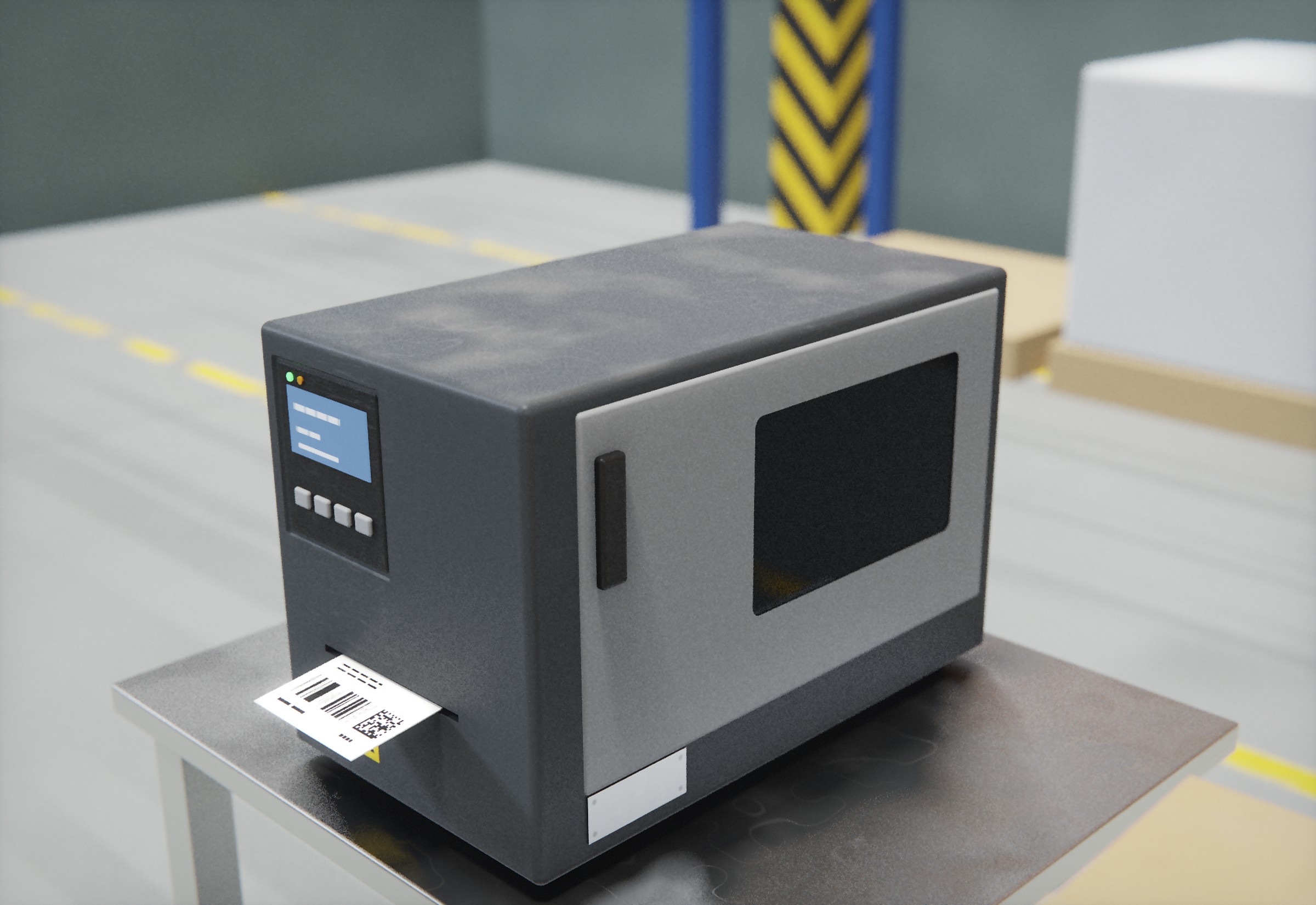
Industrial barcode and label printers for product, carton and pallet labels, linked to your line so the right label prints every time.
- 3Applications
- 3Related products
At a glance
- Print method
- Thermal transfer and direct thermal
- Resolution
- Confirmed in your quote
- Print width
- Confirmed in your quote
- Print speed
- Confirmed in your quote
- Label size
- Confirmed in your quote
- Media & ribbon
- Confirmed in your quote
- Barcode types
- 1D barcodes, QR codes and Data Matrix
- Connectivity
- Confirmed in your quote
- Integration
- PLC, ERP or WMS for automatic label data
- Brands
- Confirmed in your quote
These figures are set for each project from your part, cycle time and line. Send your requirement and we confirm them in the quote.
About this product
Print barcodes and labels on the line.
Labels carry the information that follows a product through your plant and out to your customers: part numbers, batch codes, dates, serial numbers and barcodes. Industrial label printers print them reliably, shift after shift, at the point where they are needed.
We supply and set up thermal transfer and direct thermal printers for product, carton and pallet labels, and connect them to your PLC or software so the right label prints automatically for each product, without manual typing.
A printed code is only useful if it can be read. Print quality depends on the printer settings, ribbon and label stock, so we add barcode scanners or vision checks wherever a missing or unreadable code would cause problems further down the line.
What’s included
- Label printer with stand or mounting
- Label stock and ribbon selection
- Label templates
- Connection to PLC or software
- Barcode scanner for checking
- Testing, training and support
Key features
What makes it work on your line.
- 01
Thermal transfer or direct thermal
Thermal transfer for durable labels that must last, direct thermal for short-life shipping and carton labels.
- 02
1D and 2D codes
Linear barcodes, QR and Data Matrix codes, text and logos on the same label.
- 03
Automatic printing
Printing is triggered by the PLC or software, so each label matches the product on the line.
- 04
Serial numbers and batches
Unique serial numbers, batch codes and dates are generated and logged for traceability.
- 05
Code checking
Scanners or vision confirm that each code is present and readable before the product moves on.
- 06
Templates for each product
Label layouts are stored as templates, so a product change also changes the label.
How we deliver it
From first study to a running line.
- 01
Define the labels
We agree what each label must show, its size, where it goes and how long it must last.
- 02
Select printer & media
Printer, resolution, label stock and ribbon are chosen for the label and the environment.
- 03
Integrate
Templates are set up and printing is linked to your PLC, line or software.
- 04
Verify & hand over
Print and read tests are run on the line, and operators are trained on media changes and templates.
Plan your next line with us.
FAQ
Questions about this product
Thermal transfer prints with a ribbon and gives durable labels. Direct thermal prints on heat-sensitive labels without a ribbon and suits short-life labels such as shipping cartons.
Blog
Guides from our engineers.
Practical reading on robot cells, vision inspection, conveyors, machine safety and automating the lines you already run.
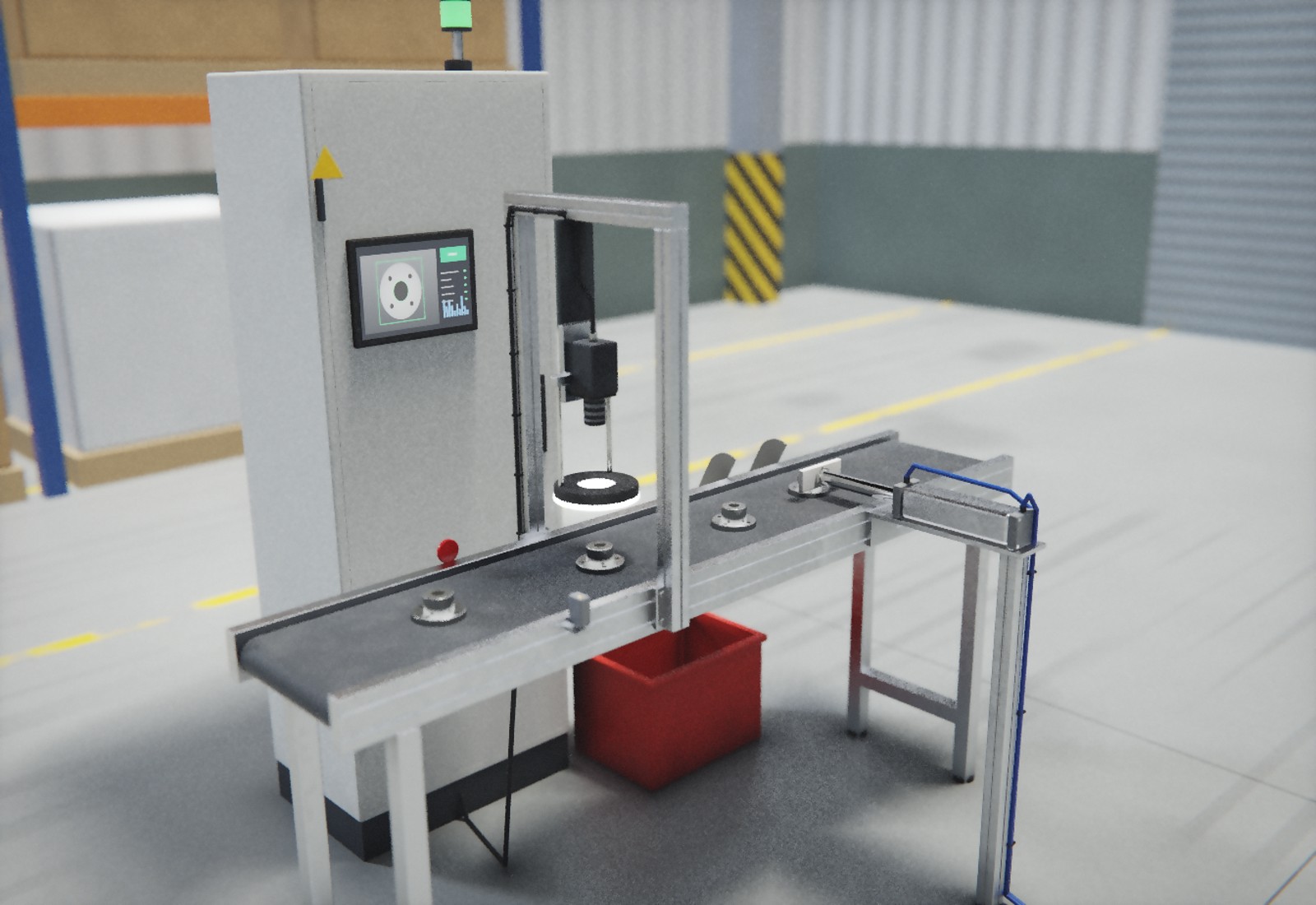 Vision & sensing
Vision Inspection on the Production Line: What a Camera Can Check
From presence checks to reading codes, a vision system checks every part and sends a pass/fail signal to your PLC. Here is what it can do and how to plan one. Intellizen Engineering TeamRead more
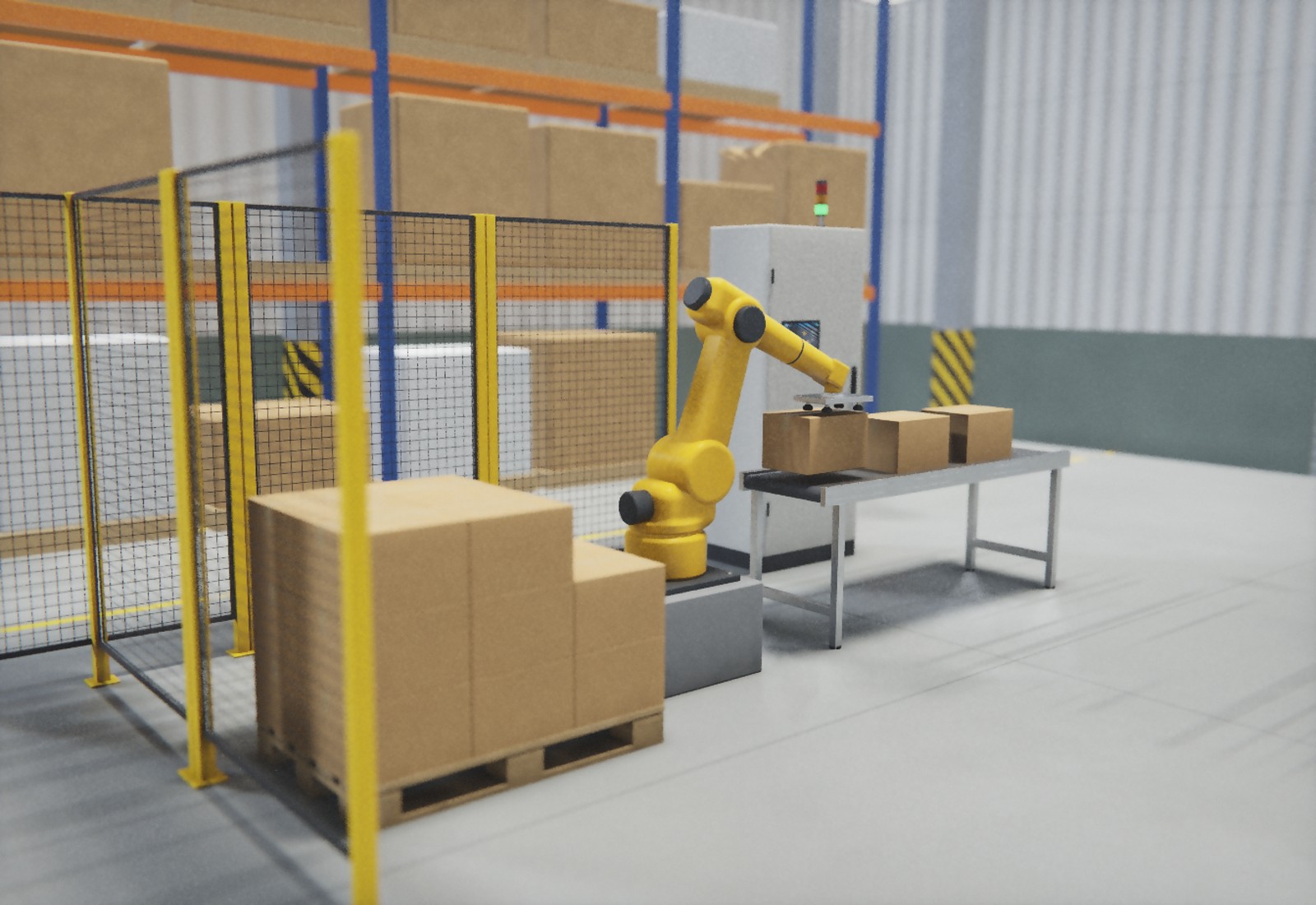 Robotics & machines
Robot Cell or Special Purpose Machine: Which Fits Your Production Line?
Both take repetitive work off your operators, but they solve different problems. Here is how to choose between a robot cell and a machine built for one job.Intellizen Engineering TeamRead more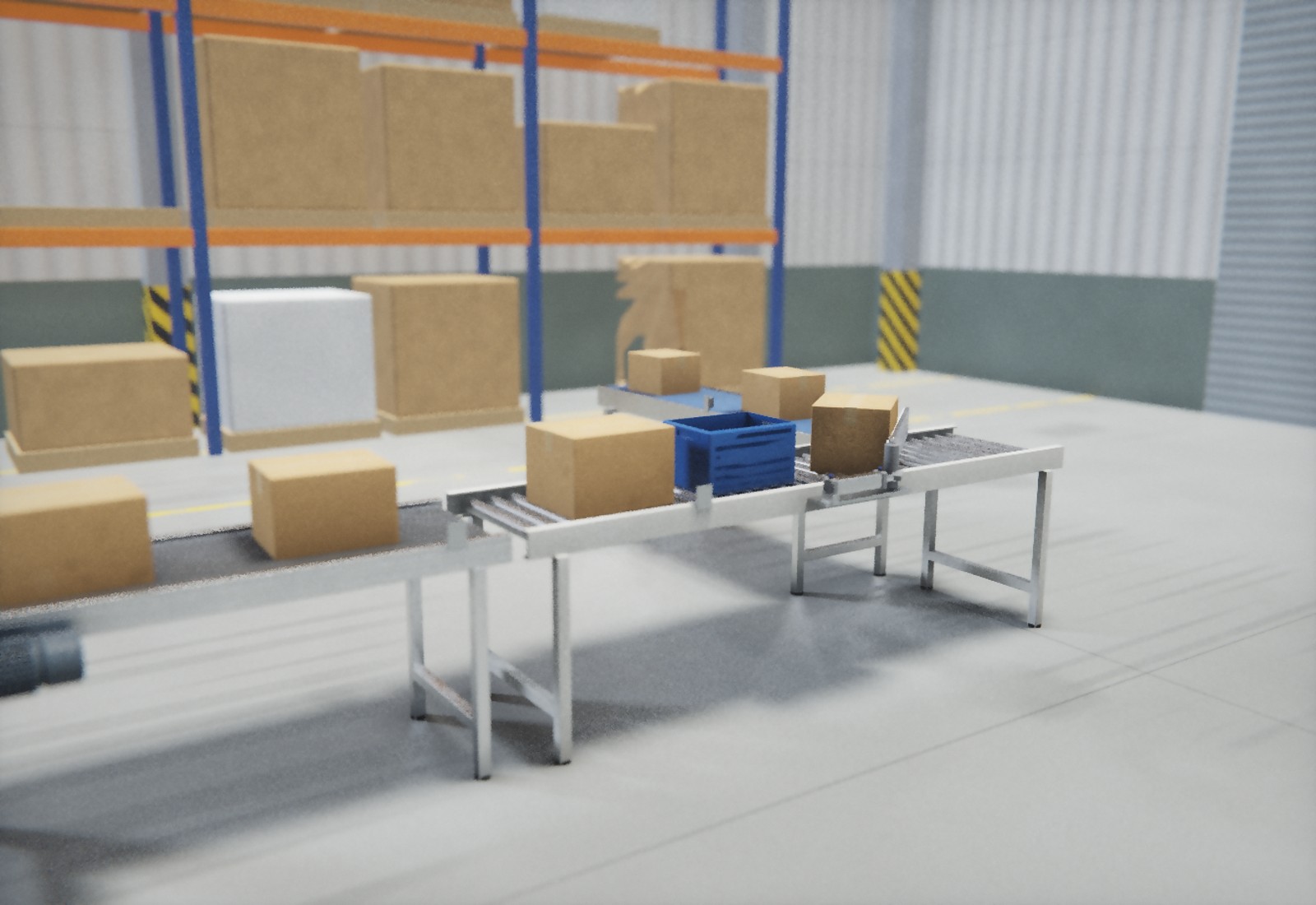 Material handling
Belt, Roller or Modular Conveyor: Choosing the Right One for Your Line
Conveyors link every station on a line. The right type depends on what you move, how it needs to queue and how it transfers between stations.Intellizen Engineering TeamRead more