
Control & Safety Devices
Push buttons, emergency stops, tower lights and control panels for clear, safe operation.
- 3Applications
- 3Related products
At a glance
- Rating
- Confirmed in your quote
- Protection
- Confirmed in your quote
- Brands
- Confirmed in your quote
These figures are set for each project from your part, cycle time and line. Send your requirement and we confirm them in the quote.
About this product
Push buttons, E-stops and tower lights.
Control and safety devices are the parts of a machine that people touch and look at: the buttons that start and stop it, the switches that select a mode, the lights that show its status and the emergency stops that shut it down.
Clear, well-laid-out controls make machines easier to run and safer to work around. Operators see what the machine is doing at a glance and know exactly which button to press.
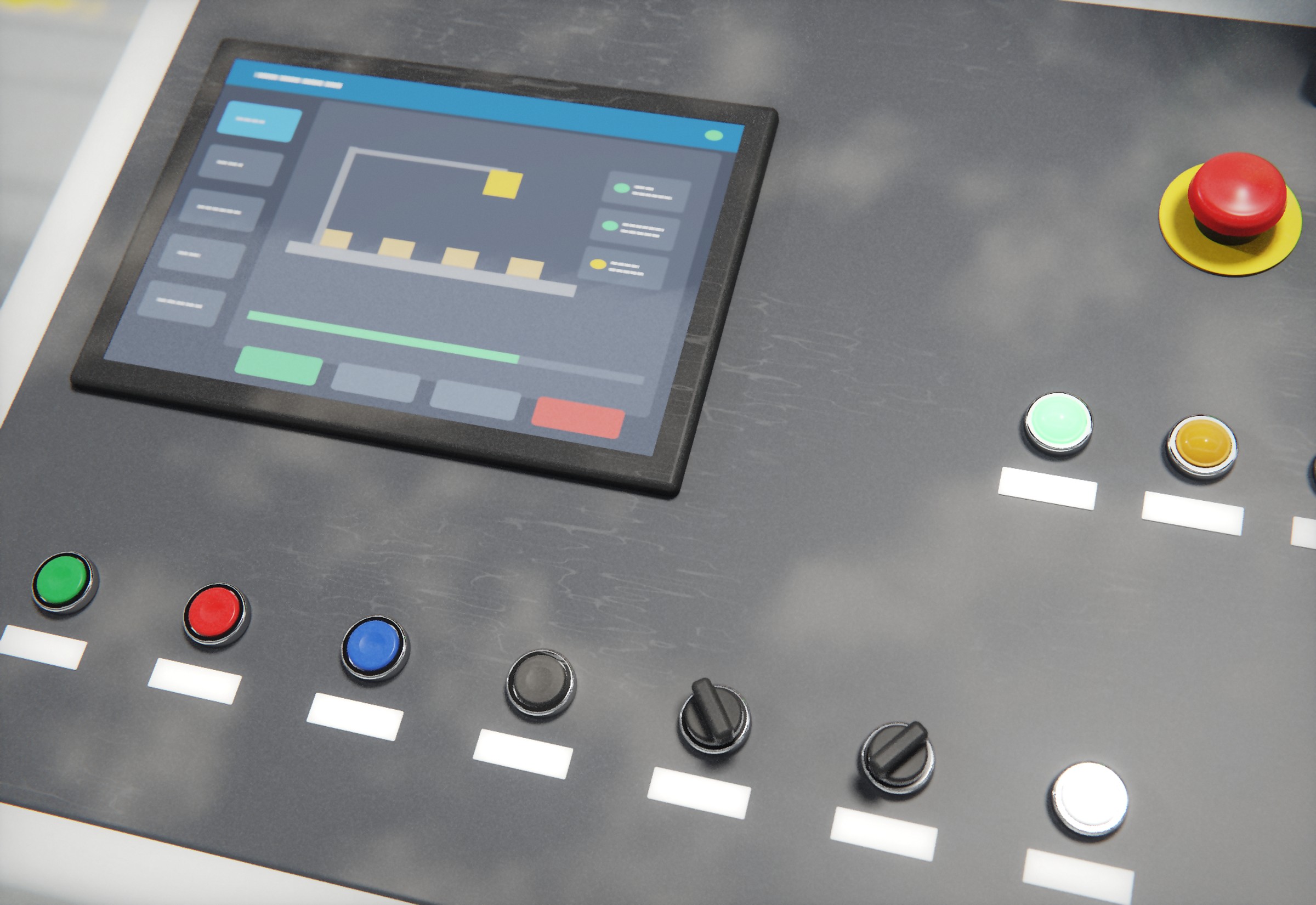
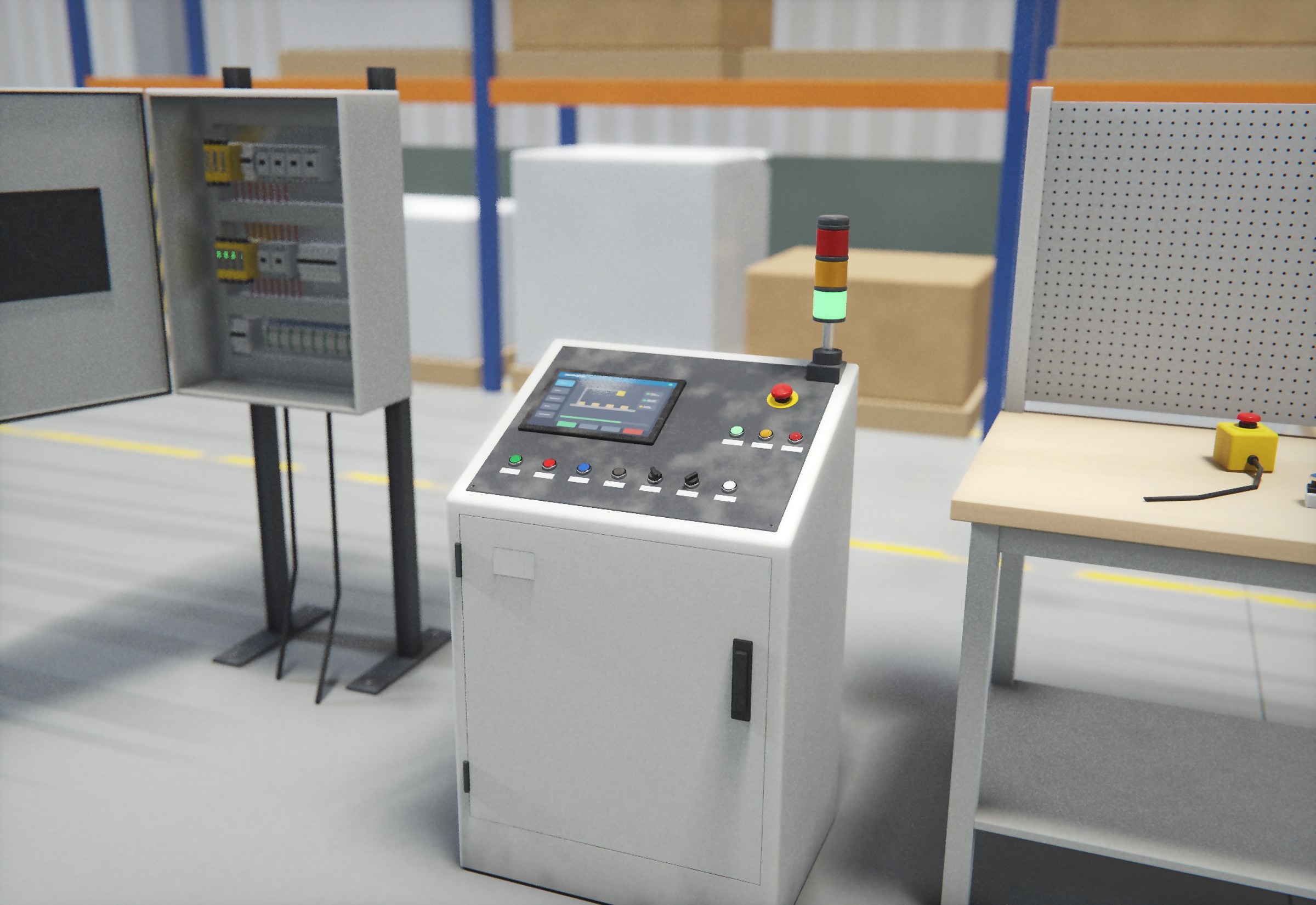
We supply push buttons, selector switches, pilot lights, emergency stops, safety relays and tower lights, and build them into control panels and operator stations.
What’s included
- Device selection for each station
- Operator panel layout
- Push buttons, switches and pilot lights
- Emergency stops and safety relays
- Tower lights for status signalling
- Control panel build and wiring
Key features
What makes it work on your line.
- 01
Push buttons
Start, stop, reset and jog controls in clear, consistent colours.
- 02
Selector switches
Mode selection such as manual and automatic, or key-operated access.
- 03
Pilot lights
Show power, running, fault and other states on the operator panel.
- 04
Emergency stops
Mushroom-head E-stops for fast, reliable shutdown at every operator position.
- 05
Safety relays
Monitor E-stops and safety devices and switch off hazardous motion.
- 06
Tower lights & panels
Stack lights show machine status from across the floor, so one person can watch several machines.
How we deliver it
From first study to a running line.
- 01
Review the station
We look at how operators use the machine and what they need to see and control.
- 02
Select the devices
Buttons, switches, lights and E-stops are chosen and laid out logically.
- 03
Supply or build
Devices are supplied individually or built into a control panel or operator station.
- 04
Install & support
We support installation and wiring, and help with spares and replacements.
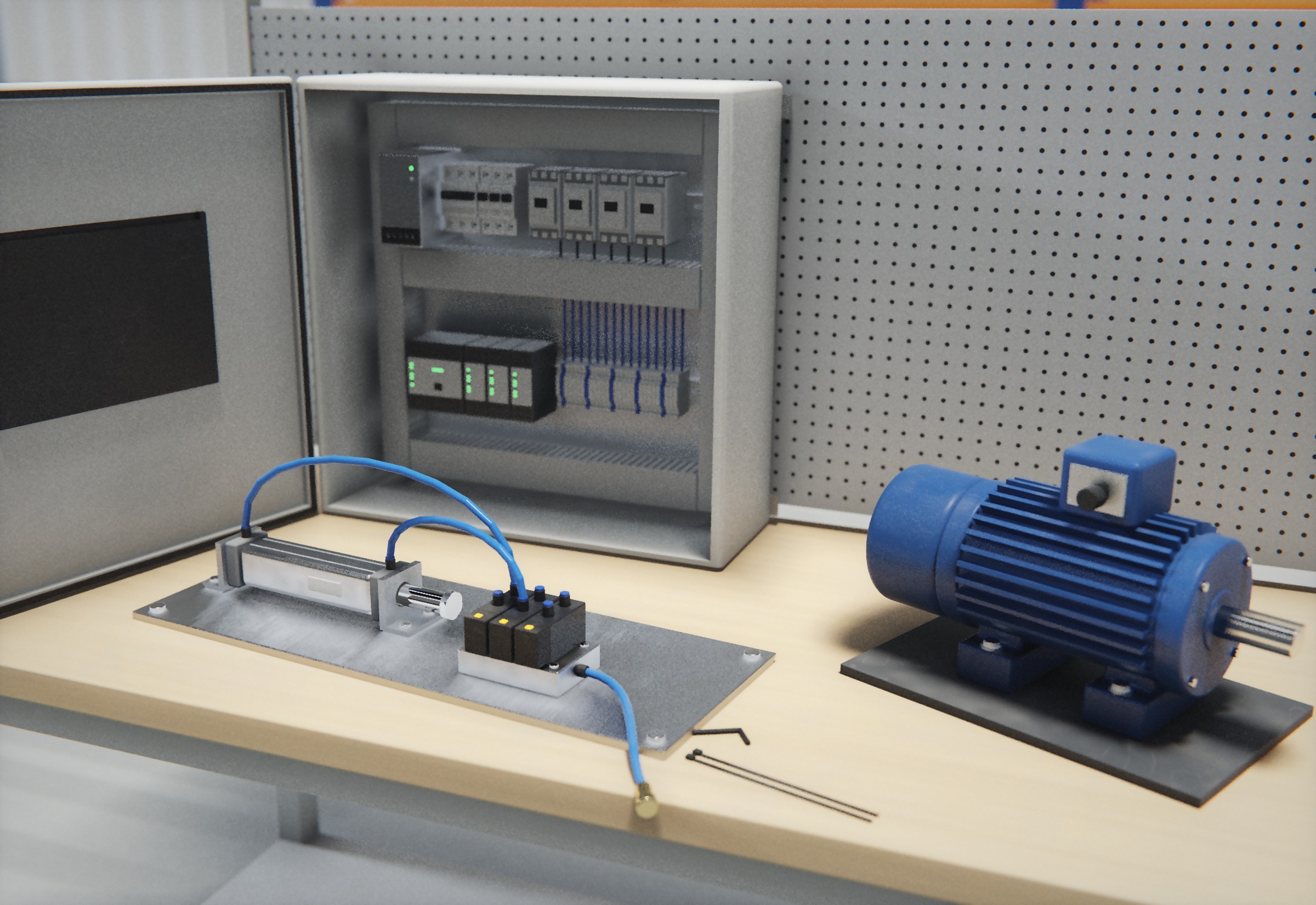
Plan your next line with us.
FAQ
Questions about this product
A push button gives a momentary command such as start or reset. A selector switch holds a position, such as manual or automatic mode.
Blog
Guides from our engineers.
Practical reading on robot cells, vision inspection, conveyors, machine safety and automating the lines you already run.
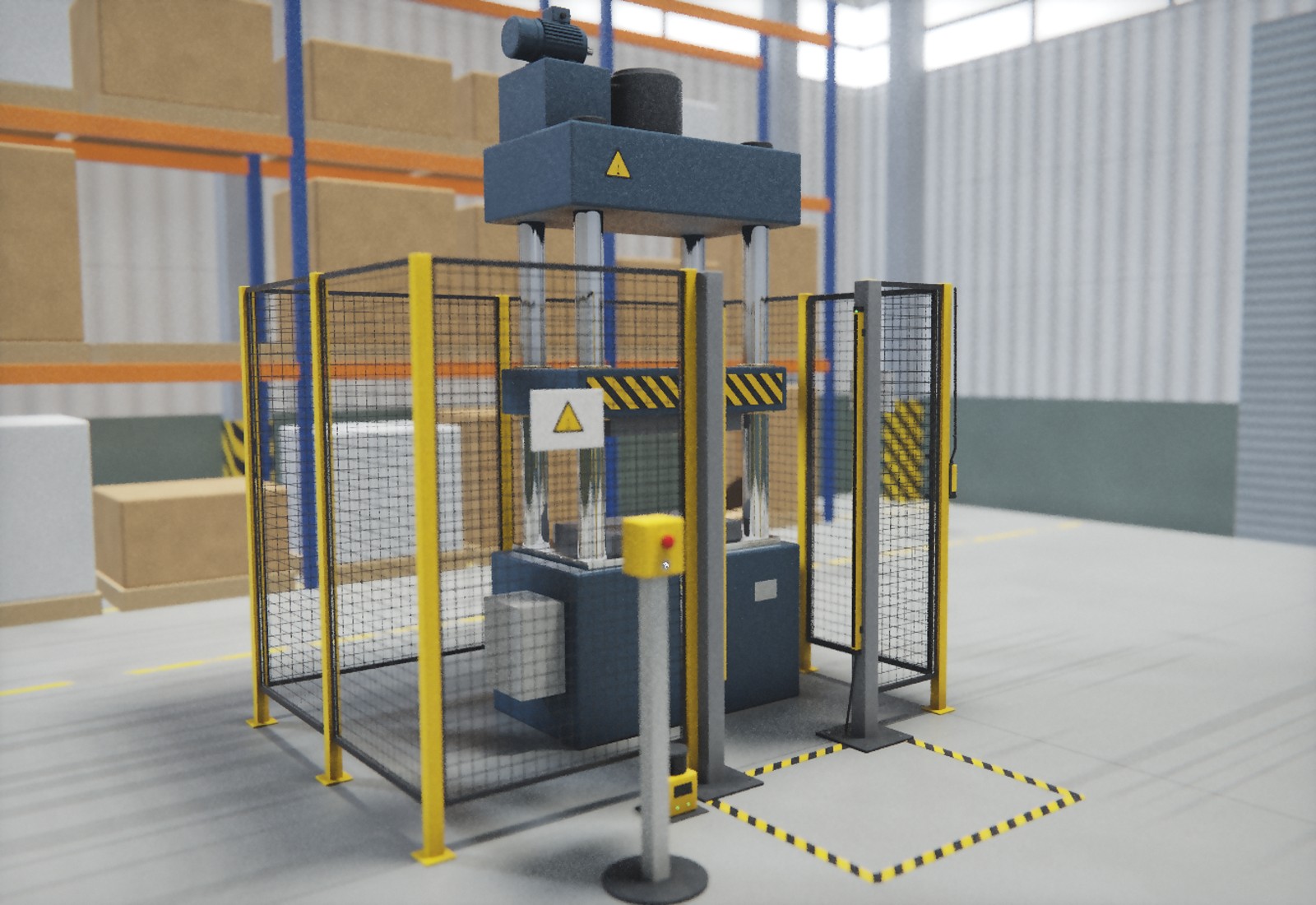 Machine safety
Machine Safety Basics: Guarding, Light Curtains and Interlocks
Every automated station must keep people away from moving parts. Here is how fencing, interlocks, light curtains, scanners and emergency stops work together. Intellizen Engineering TeamRead more
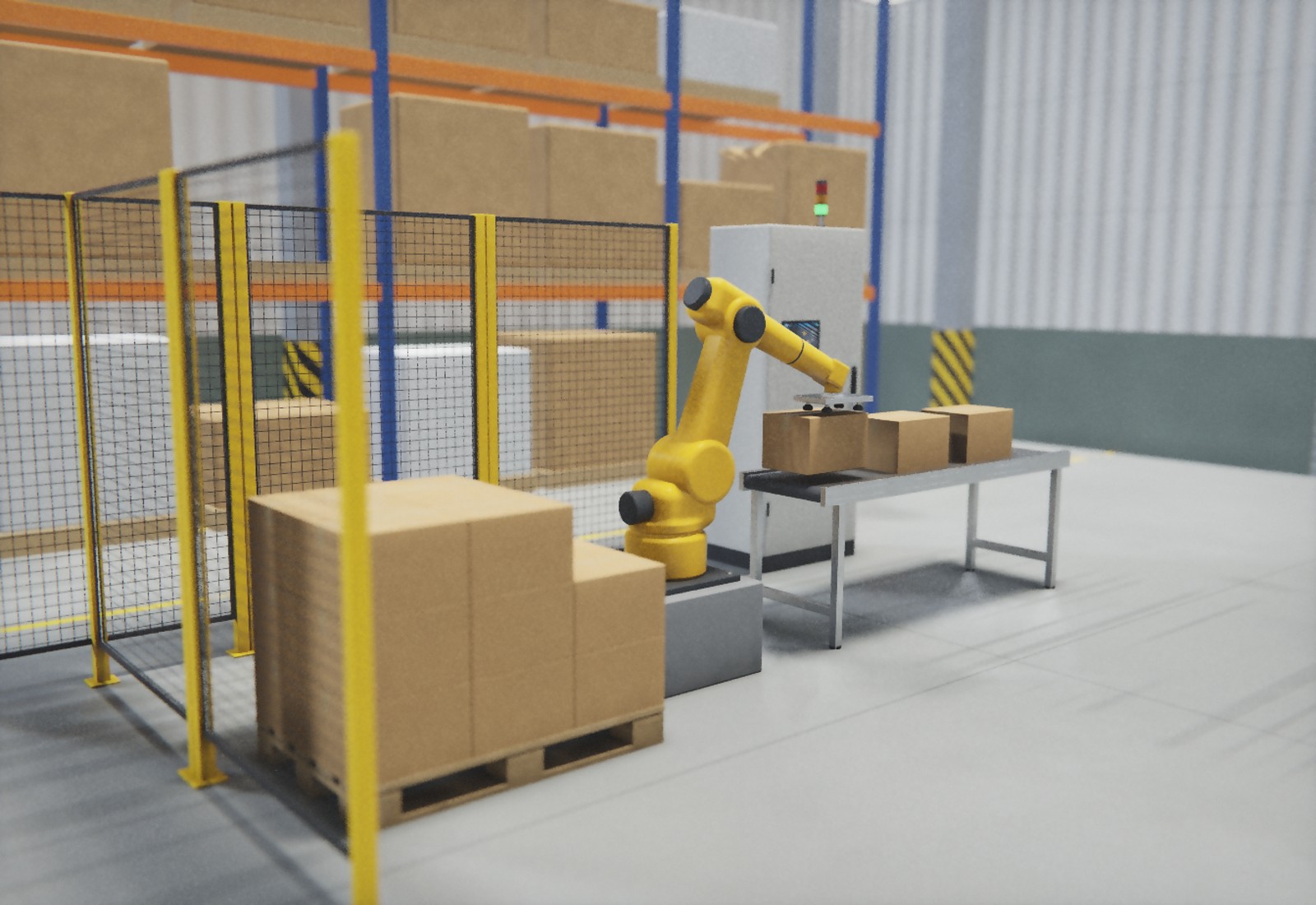 Robotics & machines
Robot Cell or Special Purpose Machine: Which Fits Your Production Line?
Both take repetitive work off your operators, but they solve different problems. Here is how to choose between a robot cell and a machine built for one job.Intellizen Engineering TeamRead more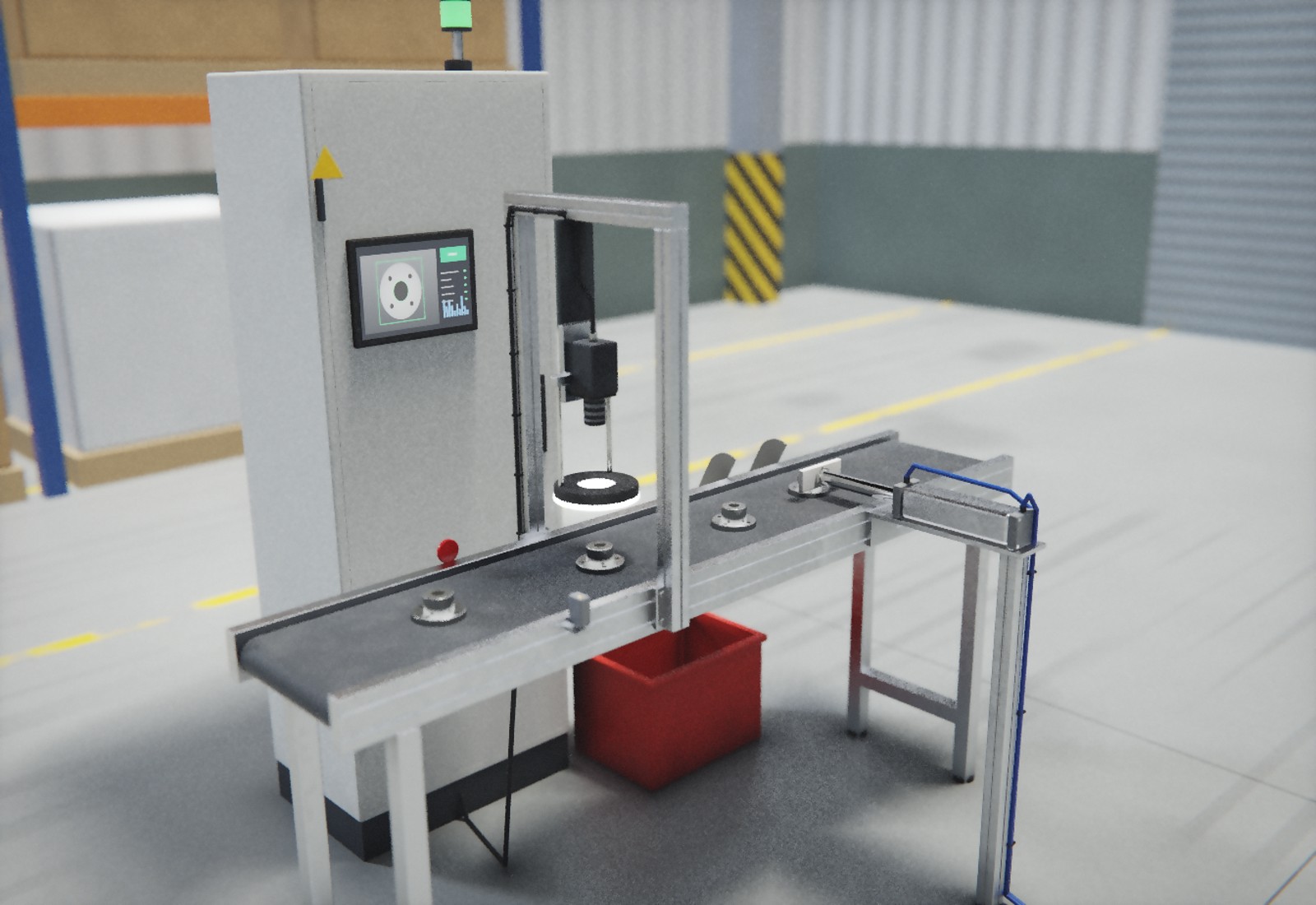 Vision & sensing
Vision Inspection on the Production Line: What a Camera Can Check
From presence checks to reading codes, a vision system checks every part and sends a pass/fail signal to your PLC. Here is what it can do and how to plan one.Intellizen Engineering TeamRead more