
SCADA Systems
SCADA systems that bring your machines onto one screen, with live status, alarms, trends and production reports.
- 3Applications
- 3Related products
At a glance
- Software
- Confirmed in your quote
- Tag count
- Confirmed in your quote
- Access
- Confirmed in your quote
These figures are set for each project from your part, cycle time and line. Send your requirement and we confirm them in the quote.
About this product
Your whole plant on one screen.
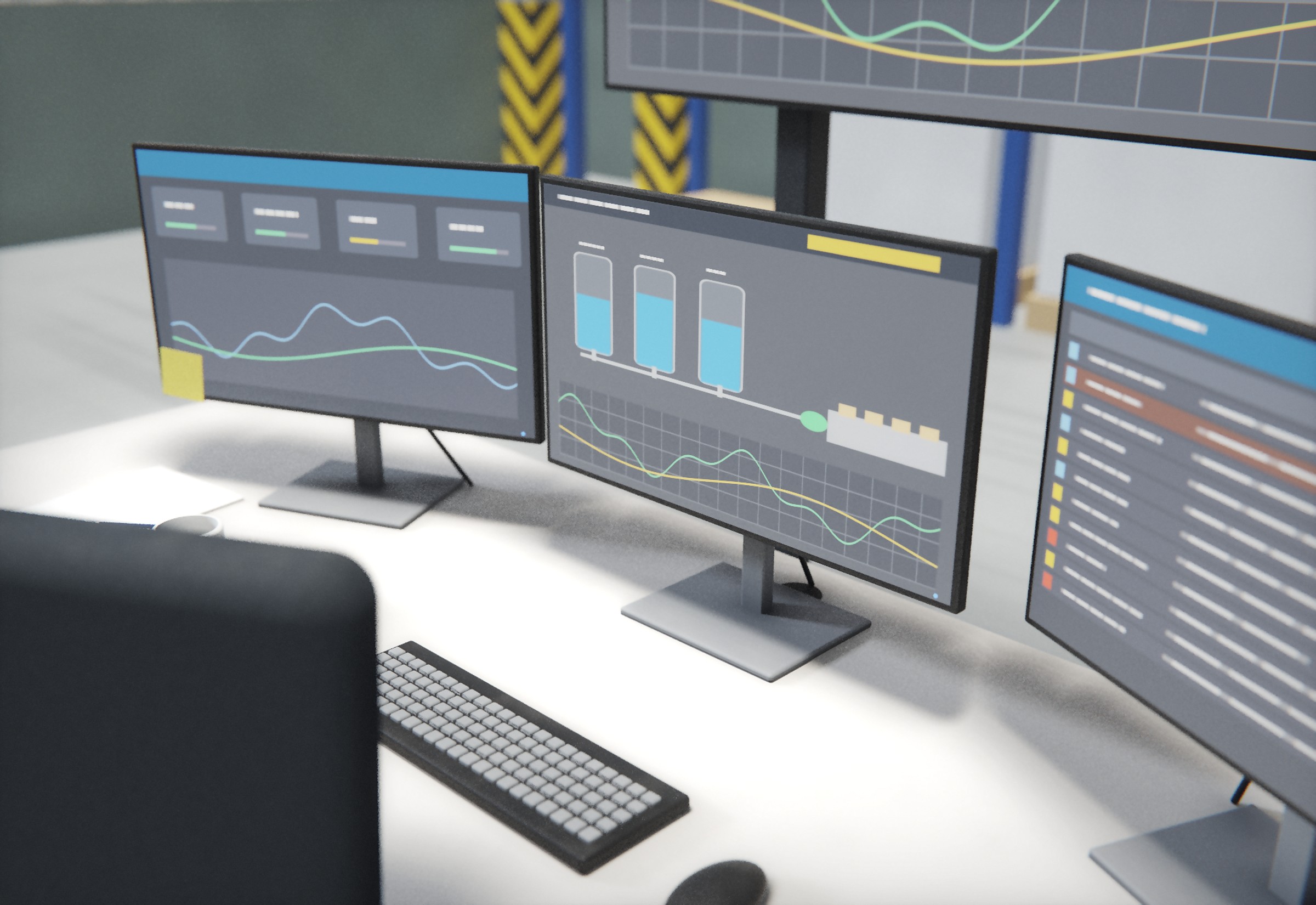
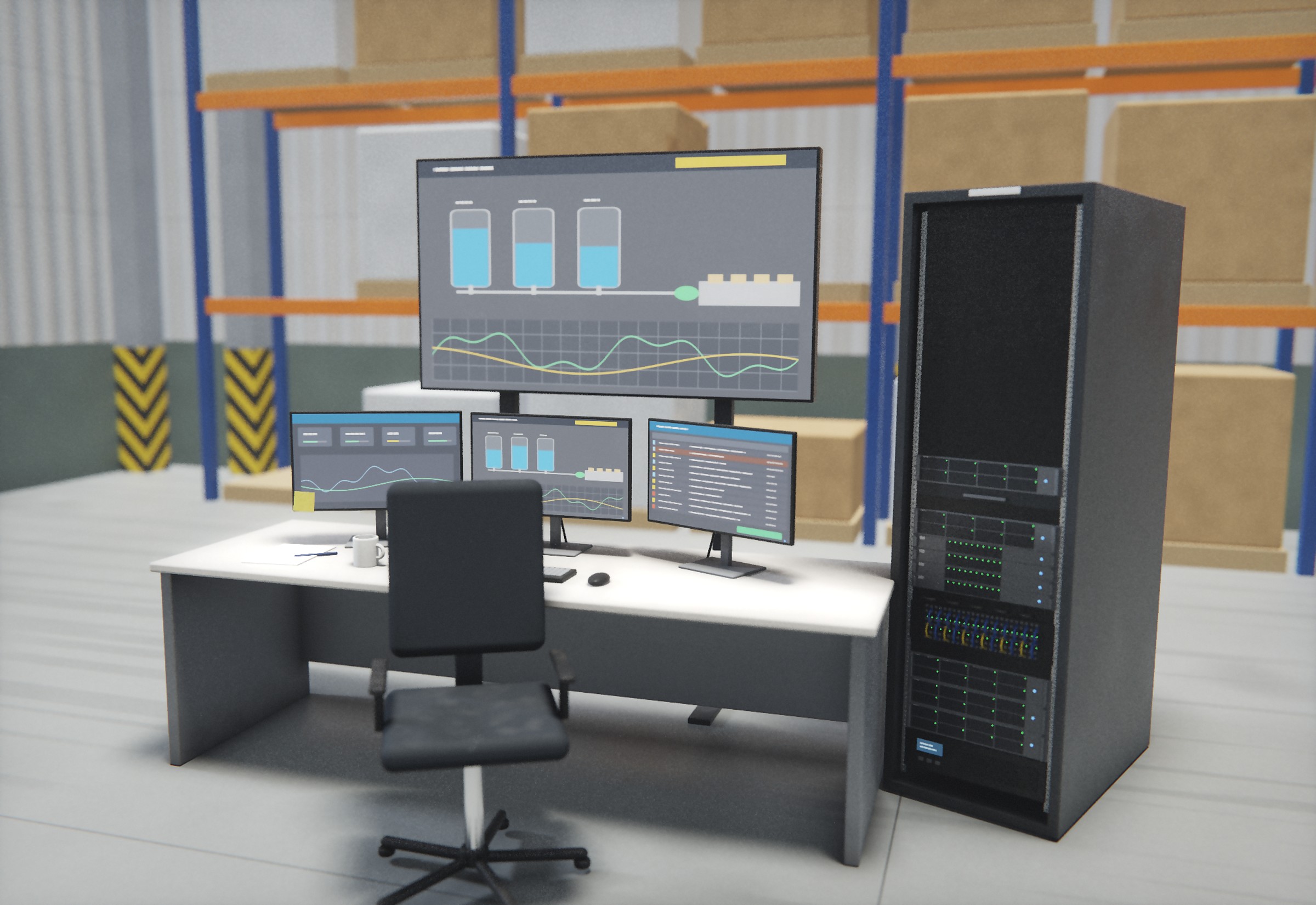
SCADA (supervisory control and data acquisition) brings the machines and utilities in your plant onto one set of screens. Instead of walking the floor to check each machine, supervisors see live status, alarms and production figures from a control room or office.
We build SCADA systems that read data from your PLCs, drives, meters and sensors, show it on plant overview screens, and store it so trends, downtime and production can be reported by shift, day or month.
Consistent data is what makes improvement measurable. Availability, performance and quality, the three parts of overall equipment effectiveness (OEE), can be worked out from the machine states and counts that SCADA already logs.
What’s included
- Survey of machines and signals
- Network and communication setup
- Plant overview and machine screens
- Alarm handling and history
- Trends, reports and data logging
- Commissioning, user training and support
Key features
What makes it work on your line.
- 01
Plant overview
Graphic screens show each line, machine and utility with live status, so problems are seen as soon as they happen.
- 02
Alarm management
Alarms are time-stamped, grouped by area and acknowledged by operators, with a full history for review.
- 03
Trends and history
Values such as temperature, pressure, speed or level are logged and shown as trends.
- 04
Production and downtime reports
Counts, stops and their causes are collected per shift so losses can be measured and reduced.
- 05
Energy monitoring
Power meters and current sensors show how much energy each line or machine uses.
- 06
Controlled access
User levels decide who can view, operate or change settings, and remote viewing can be set up where needed.
How we deliver it
From first study to a running line.
- 01
Map the plant
We list the machines, signals, alarms and reports you need, and how each machine can be connected.
- 02
Connect the data
PLCs, meters and sensors are networked, with converters for older machines that have no network port.
- 03
Build screens & reports
Overview screens, alarm lists, trends and reports are designed with your supervisors.
- 04
Commission & train
The system is tested live, and users are trained on screens, alarms and reports.
Plan your next line with us.
FAQ
Questions about this product
Yes. Most PLCs and meters can be read over standard industrial protocols, and converters bring in older machines with discrete or analog signals.
Blog
Guides from our engineers.
Practical reading on robot cells, vision inspection, conveyors, machine safety and automating the lines you already run.
 Robotics & machines
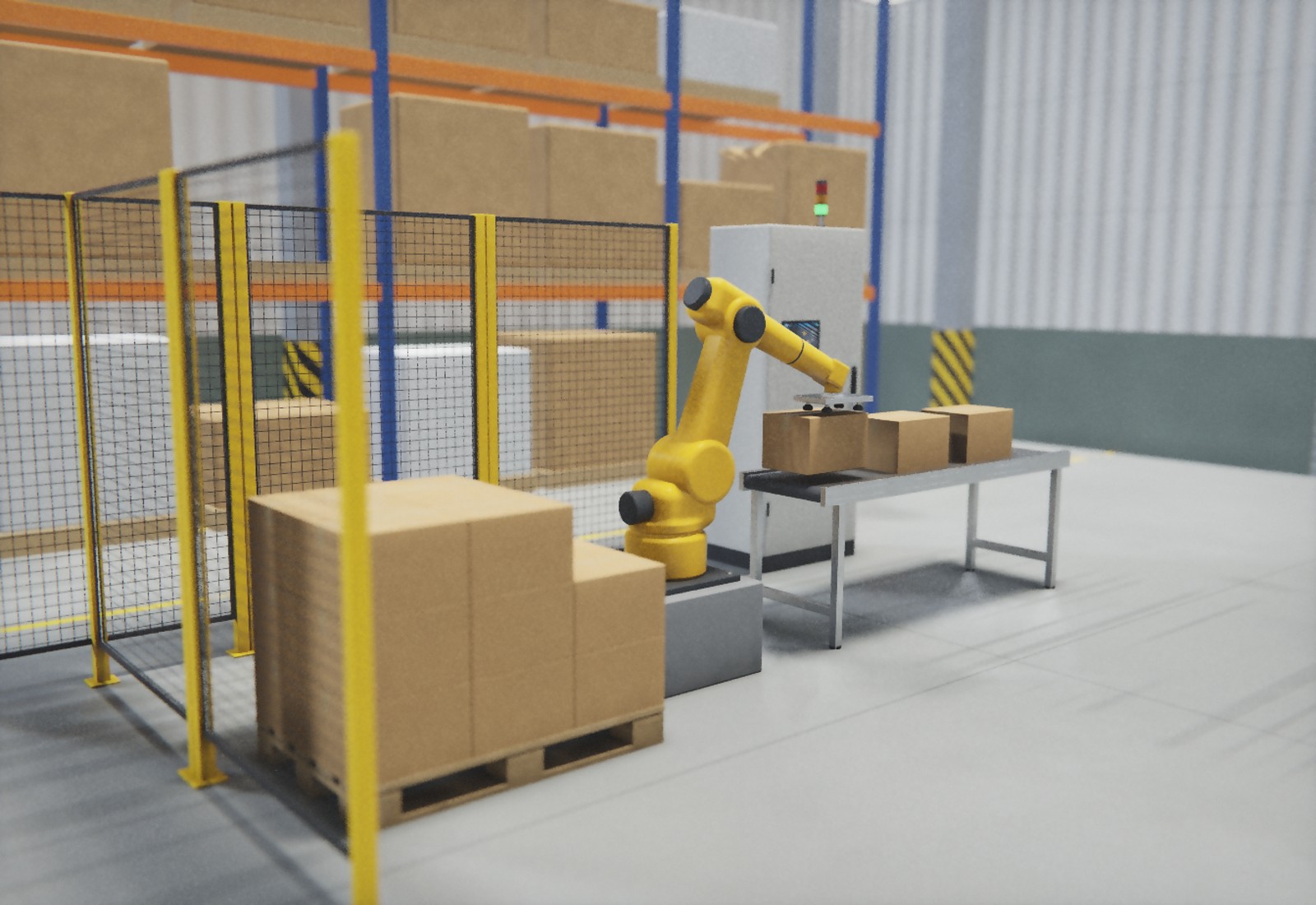
Robot Cell or Special Purpose Machine: Which Fits Your Production Line?
Both take repetitive work off your operators, but they solve different problems. Here is how to choose between a robot cell and a machine built for one job. Intellizen Engineering TeamRead more
 Vision & sensing
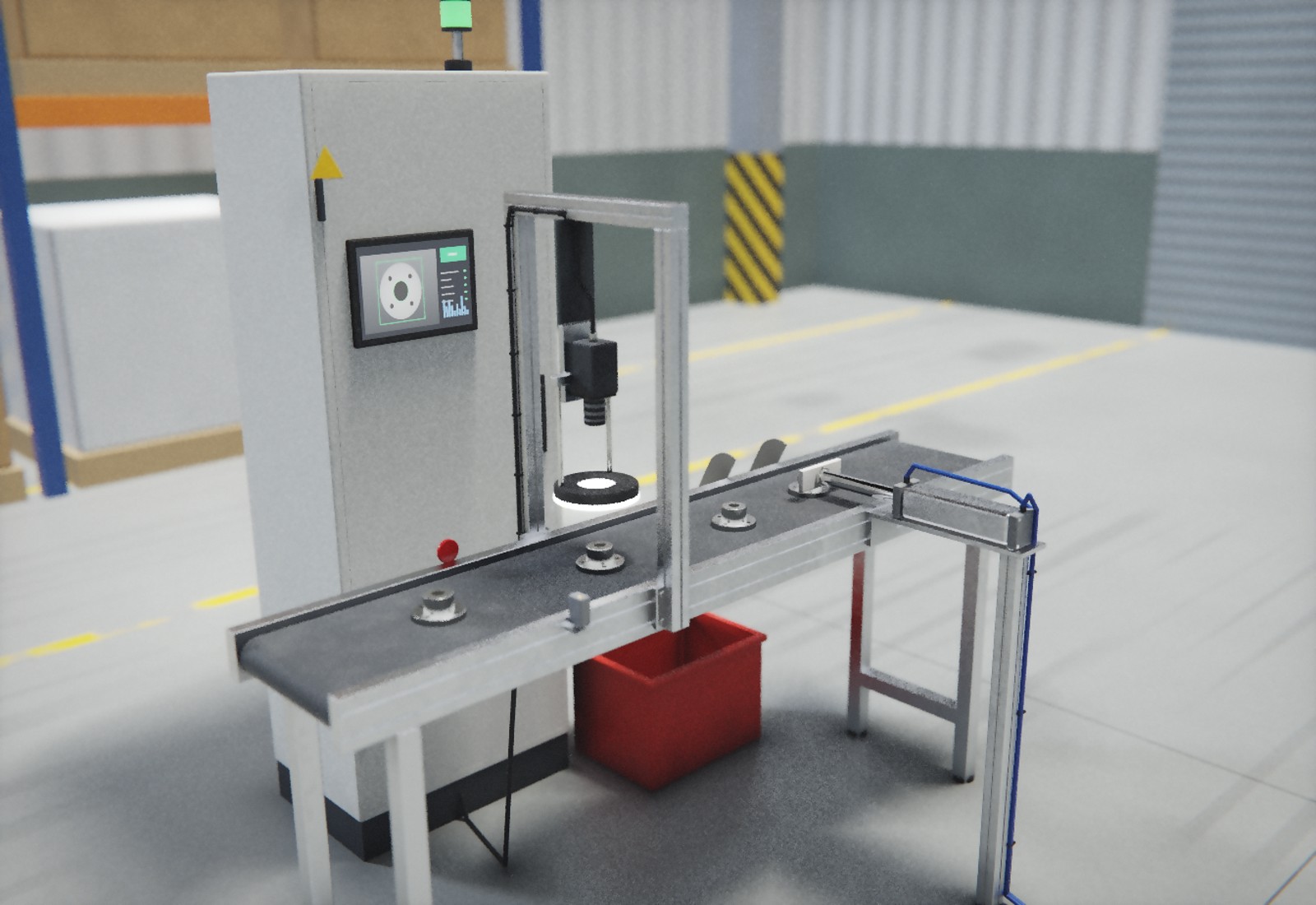
Vision Inspection on the Production Line: What a Camera Can Check
From presence checks to reading codes, a vision system checks every part and sends a pass/fail signal to your PLC. Here is what it can do and how to plan one.Intellizen Engineering TeamRead more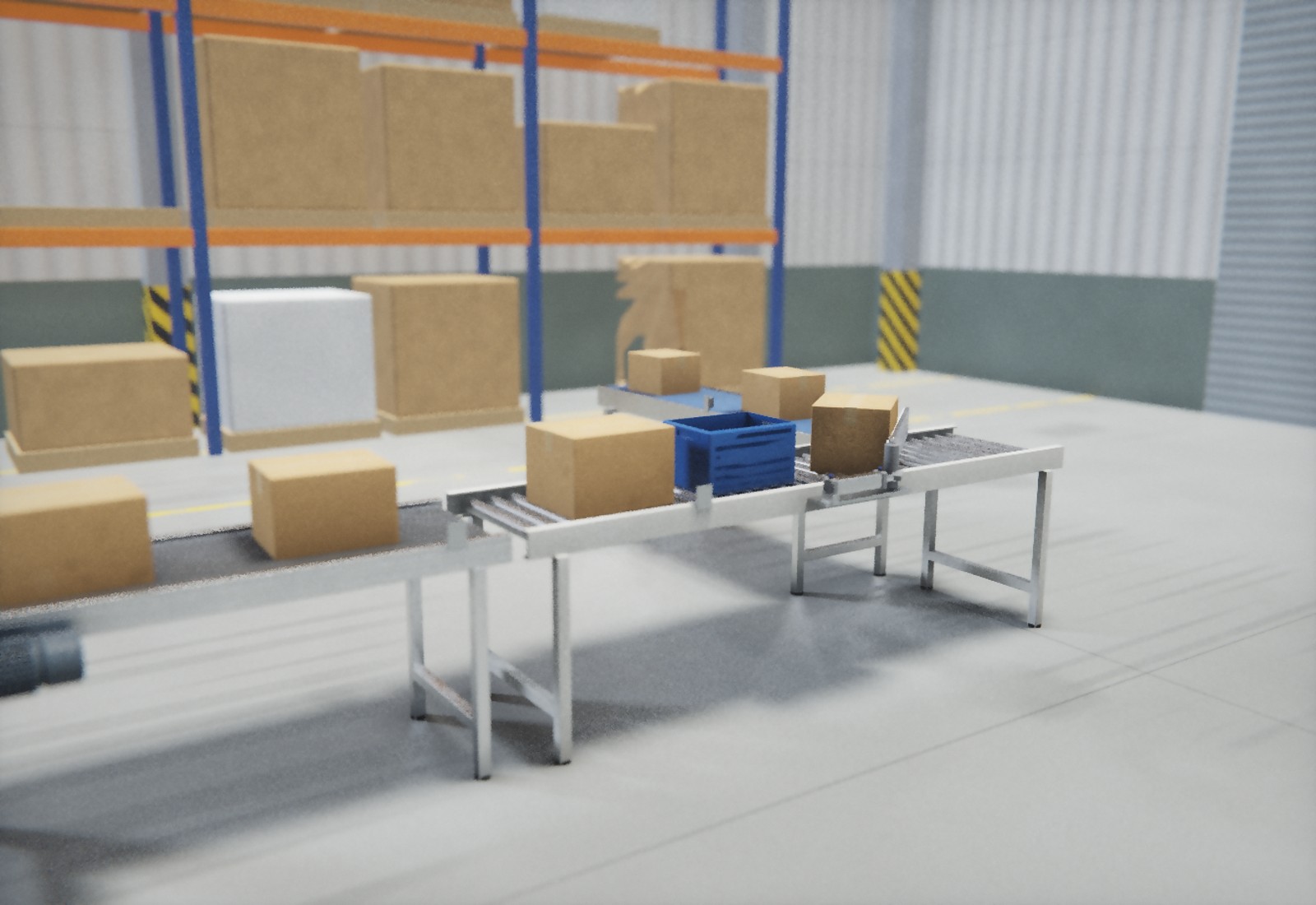 Material handling
Belt, Roller or Modular Conveyor: Choosing the Right One for Your Line
Conveyors link every station on a line. The right type depends on what you move, how it needs to queue and how it transfers between stations.Intellizen Engineering TeamRead more